
Unlocking Efficiency: The Best Free Project Management Software of 2025
In today’s fast-paced work environment, effective project management has become essential for organizations of all shapes and sizes. It’s no longer just about keeping tasks in line or meeting deadlines; it’s about applying robust processes and methodologies to achieve project goals efficiently. Thankfully, the rise of free project management software has revolutionized the way teams manage their workflows—eliminating the need for costly subscriptions while still offering powerful tools to aid collaboration and organization.
Why Project Management Software Matters
Every project has its unique challenges, from delegation to tracking progress. With the right software, teams can communicate more effectively, share resources, and stay aligned toward common objectives. This digital support is especially critical for project leads who must distribute tasks among team members while ensuring everyone is contributing to the project’s success. Fortunately, a variety of free project management tools are available, helping teams manage their efforts without breaking the bank.
The Best Free Project Management Software of 2025
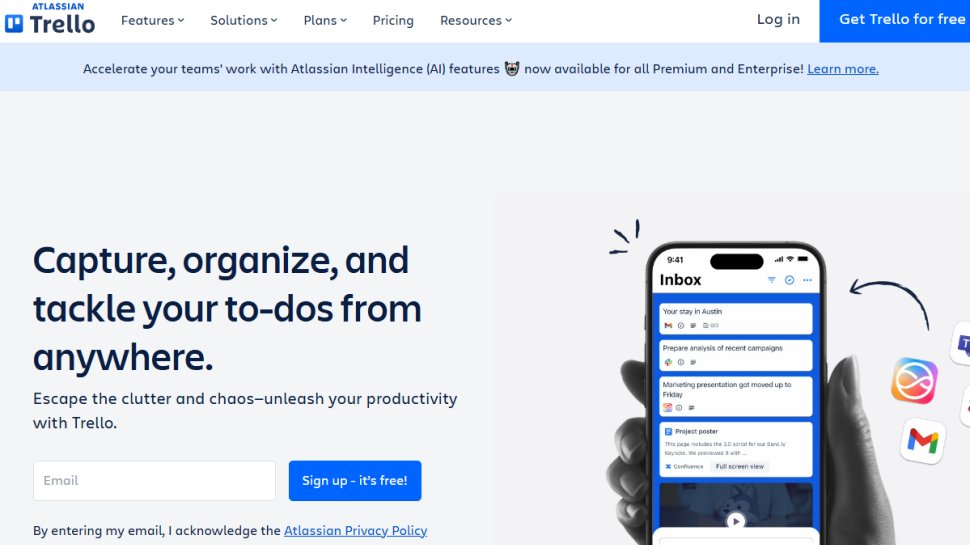
1. Trello: Best Overall Free Project Management Tool
- Reasons to Use:
- Generous free tier
- Excellent mobile applications
- A wealth of integrations
- Clean and intuitive user interface
Launched in 2011 and acquired by Atlassian, Trello is a household name in project management. Its free plan allows for up to 10 boards per workspace, unlimited project cards, and uses a highly visual Kanban system to manage tasks. Users can access the platform via the web or mobile and also benefit from features like two-factor authentication for enhanced security.
Managing tasks is seamless, allowing project managers to assign responsibilities and monitor real-time progress effectively. While the free version comes with impressive features, premium options are available for teams needing advanced capabilities.
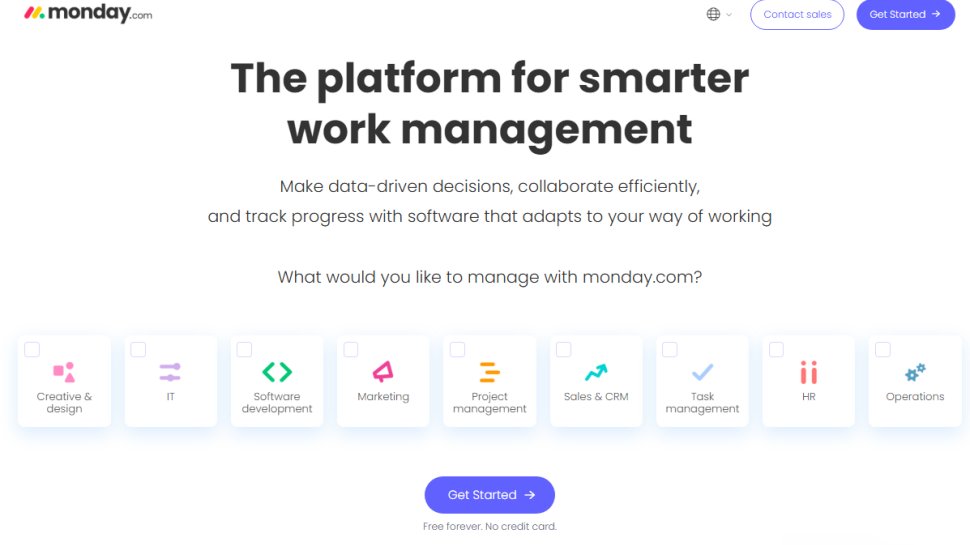
2. Monday.com: Best for Content Marketing Projects
- Reasons to Use:
- Excellent dashboard customization
- Strong integration capabilities
- Time-saving automation features
Monday.com stands out as an exceptional project management tool tailored for small to mid-sized businesses, especially in content marketing. The free tier includes two seats and three boards, with a highly customizable workspace to track tasks, projects, and workflows.
Collaboration is streamlined through its user-friendly interface, allowing team members to communicate efficiently. Moreover, the platform incorporates automation features designed to save time and improve productivity.
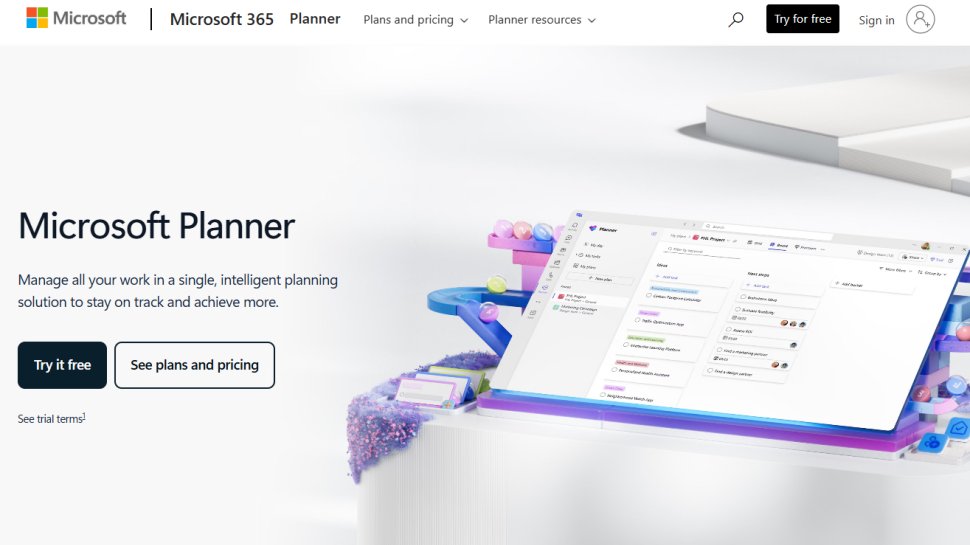
3. Microsoft Planner: Best for Simplicity
- Reasons to Use:
- Easy to use
- Incorporates the Kanban system
- Automatically visualizes tasks
As part of the Microsoft 365 suite, Microsoft Planner is a straightforward tool designed for organizational simplicity. Users can easily create projects and tasks without navigating complex menus or excessive features.
Utilizing the Kanban methodology, it provides an easy visual overview of project stages, enhancing the ability to track progress for both project managers and team members. However, be mindful that this tool is only available for organizations with a Microsoft 365 subscription.
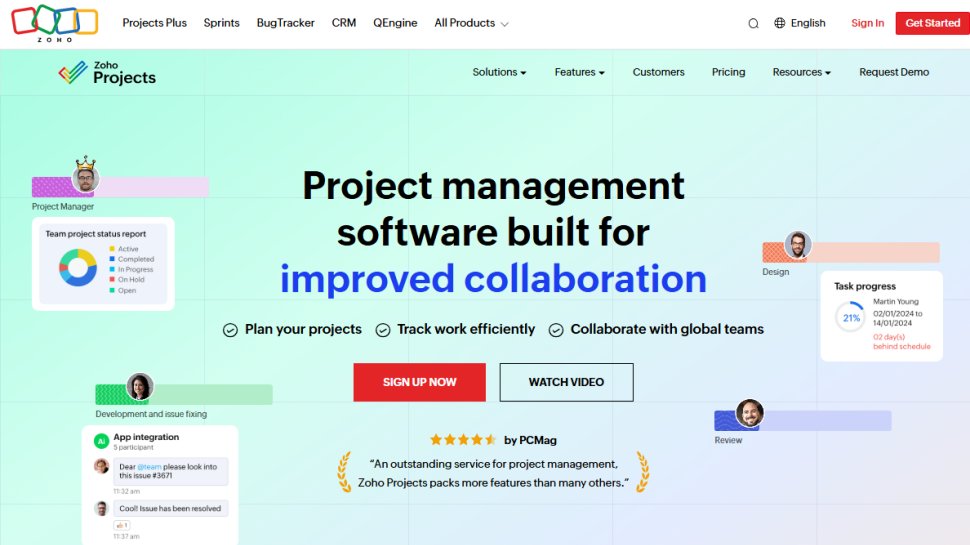
4. Zoho Projects: Ideal for Small Businesses
- Reasons to Use:
- Free for up to five users
- Integrates seamlessly with Zoho and Google apps
- Time tracking features for billable hours
Zoho Projects is an excellent option for small businesses looking for a robust tool without hefty expenses. Its free plan allows up to five users to manage tasks collaboratively, with features designed to track time spent on projects—an essential aspect for consultancies.
Zoho provides cloud-based access, making it easy to collaborate remotely and with third-party tools. While there may be some limitations, especially with its Gantt chart functionalities, it remains a strong contender among budget-conscious teams.
5. Nifty: Best for Remote Work
- Reasons to Use:
- Broad feature set
- Intuitive user interface
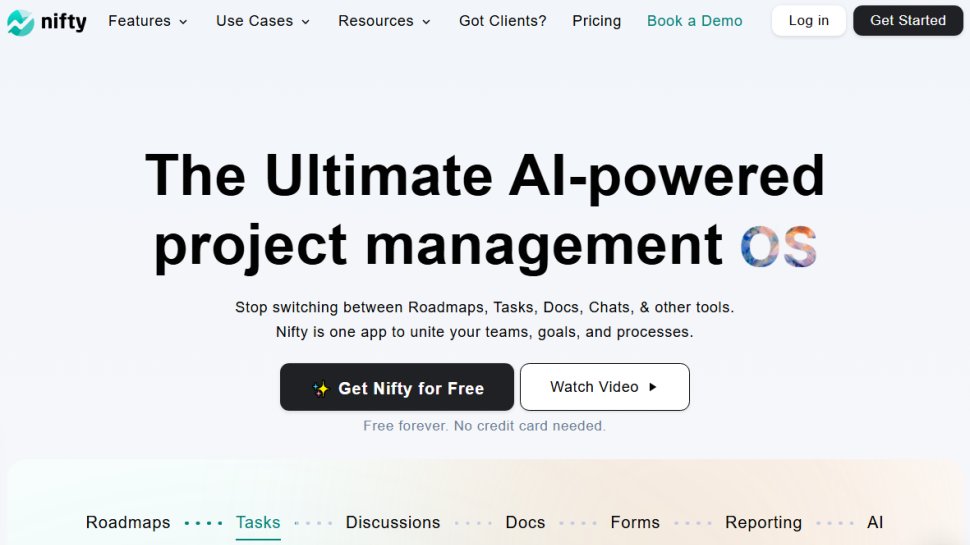
Ideal for remote teams, Nifty launched in 2017 and offers a comprehensive set of features for project management and monitoring. Teams can choose from various visualization methods, including Kanban and timelines, ensuring they have the flexibility to manage projects in whatever way works best for them.
While the free version limits users to two active projects, premium options are available for those needing expanded capabilities and additional features.
6. Asana: Best for Project Tracking
- Reasons to Use:
- Extensive third-party integrations
- Comprehensive project management features
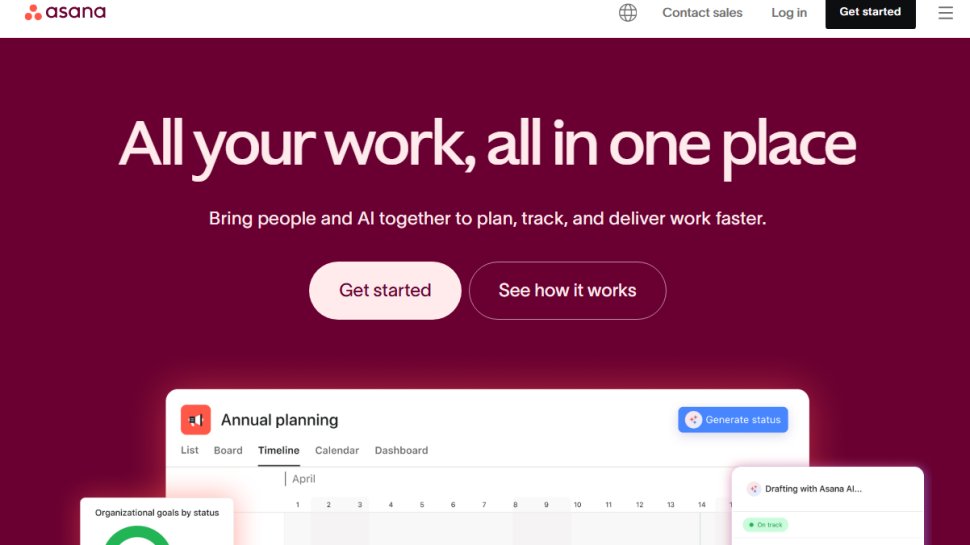
Asana is another heavyweight in the project management space. Its free plan allows for unlimited tasks and project management capabilities for up to 15 team members. Across the platform, users can expect robust collaboration features and integrations with over 100 other apps, multiplying its usability.
The only downside may be its learning curve; new users might initially find the complexity overwhelming. Yet, with time, Asana becomes a valuable ally for managing extensive projects.
Evaluating Your Needs
When selecting the right project management tool, consider the following factors:
- Features: Does the software offer functionalities that align with your project needs?
- Ease of Use: Can team members navigate the platform without extensive training?
- Integration: Does it work with the tools you’re already using?
- Security: What measures are in place to protect sensitive information?
- Customer Support: What type of support is available for free users?
By answering these questions, you can better determine which project management software will fit your team’s specific needs.
In a world where project efficiency can make or break a team’s success, choosing the right free tool is a step towards streamlined workflows, enhanced collaboration, and ultimately, achieving your project goals without the burden of high costs.