
The Best Document Management Software for 2025: Streamlining Your Digital Archives
In today’s increasingly digital workspace, the need for efficient document management is paramount. As companies transition towards a paperless office, particularly with the rise of remote working, finding the right Document Management Software (DMS) has become essential for organizing, sharing, and archiving documents electronically. Let’s delve into the key features of DMS solutions and explore some of the best software available for 2025.
Why Document Management Software Matters
As the concept of a paperless office becomes a reality, traditional filing systems fall short. Document Management Software facilitates not just secure storage but enhances collaboration, streamlines workflows, and offers tools for document creation and editing—a far cry from merely digitizing paper documents.
DMS solutions help you:
- Organize Information: Classify documents electronically instead of hunting through paper archives.
- Enhance Collaboration: Share documents easily with team members, promoting teamwork across locations.
- Increase Efficiency: Automate mundane tasks and improve workflow through intuitive features.
Essential Features of DMS Solutions
When evaluating DMS options, consider features that enhance usability and compatibility:
- File Format Compatibility: A versatile DMS should handle a variety of file types, from legacy systems to modern digital documents.
- Cloud Storage: Look for systems with robust cloud storage to ensure accessibility from any location.
- Integration Capabilities: Ensure compatibility with existing tools and software (e.g., Google Drive, Dropbox).
- Collaboration Tools: Features that allow multiple users to work simultaneously or review documents streamline teamwork.
- E-Signing Capabilities: Many DMS solutions now include e-signature functions, allowing for quick approvals.
Top Document Management Software of 2025
1. DocHub
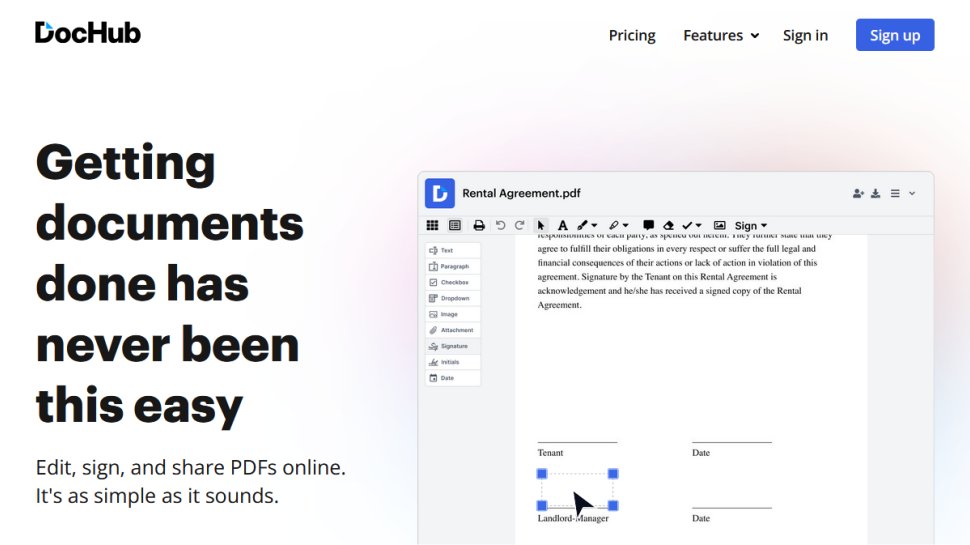
A feature-rich DMS packed with essential business tools. It offers:
- Unlimited Cloud Storage: A rarity in this space.
- Integration with Google and Dropbox: Ensuring your documents are effortlessly accessible.
- User-Friendly Interface: Provides an intuitive experience for all users.
However, its free plan is limited, nudging users towards the Pro subscription starting at $10 per month, which offers unlimited eSignatures and more.
2. HubSpot
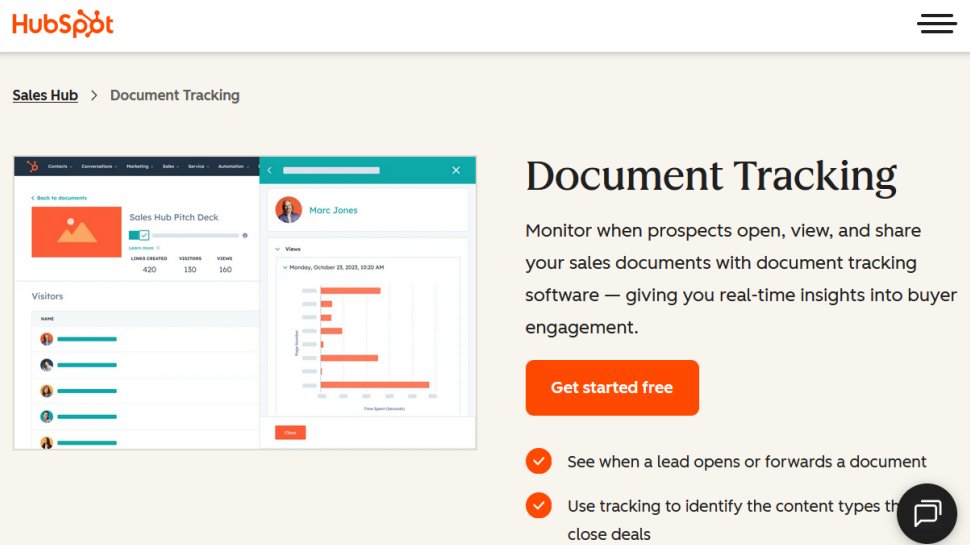
Ideal for sales and marketing document management, HubSpot allows:
- Centralized Document Library: For easy management of sales-related content.
- Document Tracking: Get alerts when a document is opened, enhancing engagement analytics.
- Free Plan Limitations: Only 5 documents per account but offers broader features under paid plans starting at $9 per month.
3. PandaDoc
This solution goes beyond basic functionalities:
- Flexible Document Creation: Create engaging documents that can include multimedia.
- Real-Time Tracking and Notifications: Gain insights into document interactions.
- Robust Plans: The Essentials plan starts at a competitive price, making it accessible for businesses of all sizes.
4. M-Files
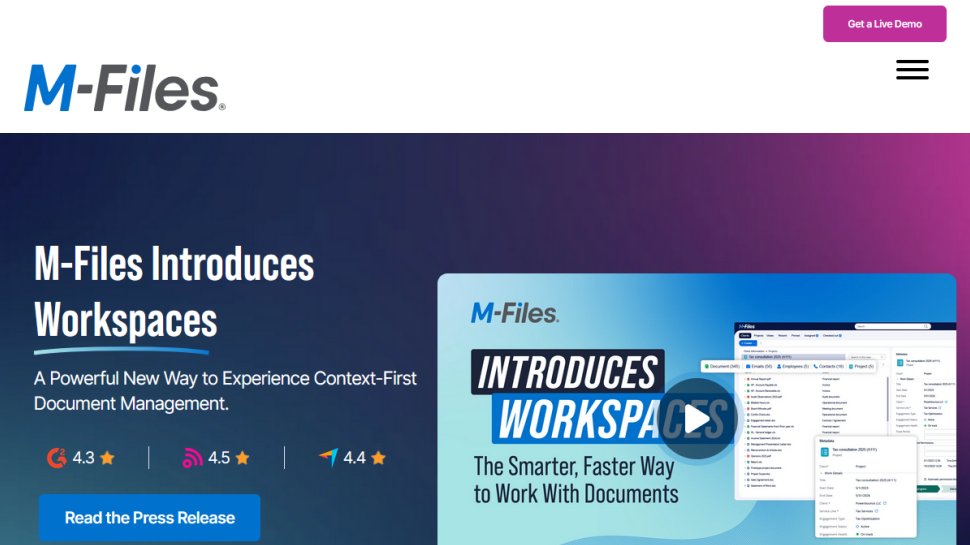
Aimed at larger organizations, M-Files focuses on:
- Eliminating Document Duplication: Intelligent management reduces redundancy.
- Integrated Workflow: Enhances efficiency through automated processes.
- Responsive Customer Support: Helps users navigate complex scenarios.
5. DocuWare
A cloud-centric solution for seamless document organization:
- Comprehensive Task Coverage: From capturing images to workflow automation.
- Scalability: Use cases evolve as the business grows, offering flexibility.
- Mobile Accessibility: Supports remote workflows via its mobile app.
6. Templafy
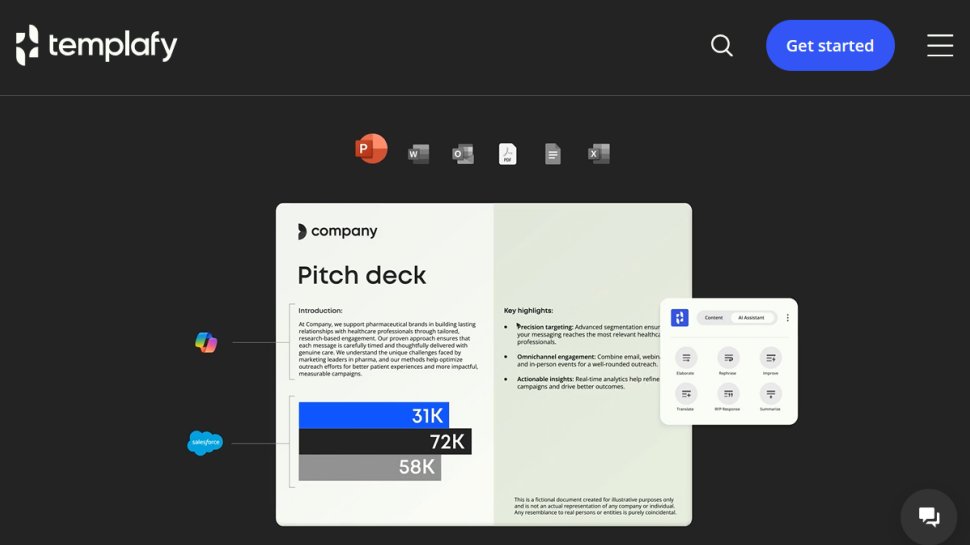
Best for businesses needing compliance:
- Automated Compliance Checks: Ensuring that documents meet necessary regulations.
- Integration with Popular Suite Tools: Streamlining the document creation process.
- Easy Access Across Devices: Cloud-based for accessibility, enhancing collaboration.
7. MasterControl
Specializing in compliance, particularly for regulated industries:
- Fully Automated Document Escorting: Routing documents according to established protocols.
- Global Standards Compliance: Aimed at large corporations dealing with myriad regulations.
- Cost Efficiency: It can reduce compliance costs while boosting internal efficiency.
8. XaitPorter

Focuses on collaborative document creation:
- Smart Collaboration Tools: Allows multiple users to work simultaneously.
- Document Management Ease: Automates formatting and layout tasks, letting users focus on content.
- Integration with Major Platforms: Works seamlessly with Salesforce and others.
Additional Considerations
While these top contenders shine in their respective categories, many other platforms like Samepage, Dokmee, and eFileCabinet offer unique features suited to specific business needs. Evaluate functionalities, pricing structures, and potential integrations before committing to a DMS.
Key Takeaways
Finding the right document management software can revolutionize your organization’s workflow. As you weigh options, remember to assess the specific requirements of your business to ensure you choose a solution that aligns with your digital archiving needs. With the right DMS, you can transform the way your organization manages documents and data, ultimately leading to greater efficiency and productivity.