
The Best Productivity Tools for Seamless Team Management
In today’s fast-paced work environment, ensuring your team operates effectively and efficiently is paramount. Productivity tools are more than just time-savers; they streamline workflows, enhance collaboration, and ensure that communication remains clear. Let’s dive into some of the best productivity tools available that can elevate your team’s performance and success.
What Are Productivity Tools?
Productivity tools range from task management software to communication platforms. Their purpose is to simplify routine tasks while making teamwork more effective. The best tools allow teams to stay connected, no matter their physical location, ensuring everyone can provide updates and access needed information.
Key Functions of Productivity Tools
- Workflow Management: Tools that allow users to streamline their daily tasks.
- Collaboration Features: Functions that improve communication through shared documents, chat systems, and virtual meetings.
- Time and Task Management: Features that help prioritize workloads and track deadlines, keeping teams aligned.
Choosing the Right Tool
When selecting productivity tools, consider your team’s specific needs. Factors such as ease of use, essential features, integration with existing systems, and overall cost should be in mind. Here are some standout options categorized by their strengths.
Best Productivity Tool Overall: Microsoft 365
Microsoft Office has been the benchmark in productivity software for many years, with Microsoft 365 being its most recent iteration. It’s a comprehensive suite that includes Word, Excel, and PowerPoint, providing all essential office tools in one cloud-based platform.
Why Choose Microsoft 365?
- Market Dominance: Seen as a gold standard for productivity.
- Versatile Applications: Each tool serves a specific function, from document creation to data analysis.
- Seamless Collaboration: Team members can work on documents simultaneously, enhancing collaborative efforts.
The yearly Personal plan costs around $70 and includes up to 1 TB of cloud storage, making it a solid choice for individuals and small teams alike.
Best Tool for Collaboration: Asana
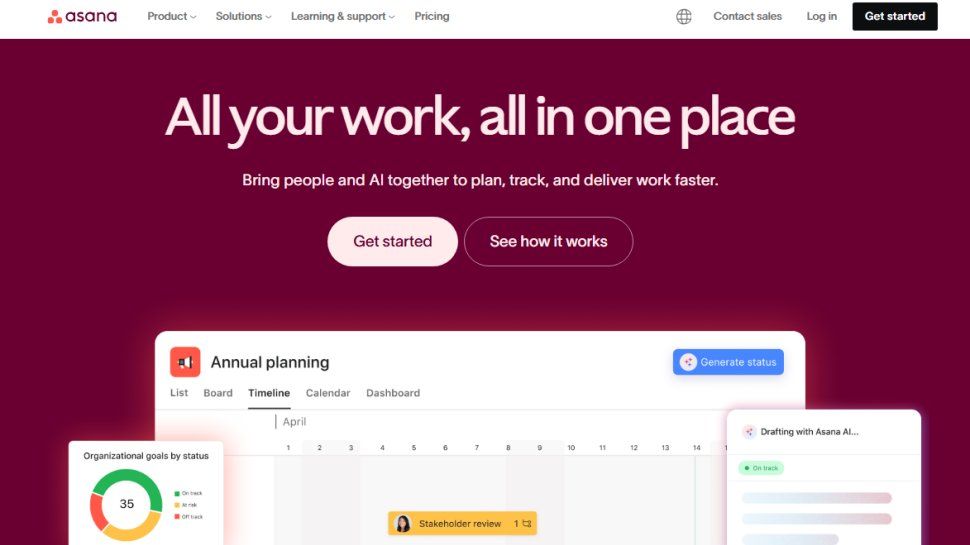
Asana has been a game-changer in project management and collaboration since its launch in 2008. Big names like Intel and Uber use it to improve team communication and project tracking.
Why Choose Asana?
- User-Friendly Interface: Simplifies project tracking with lists and boards.
- Integration Capabilities: Connects easily with a variety of other tools.
- Flexible Pricing: Offers a free tier alongside premium plans that facilitate advanced tracking.
Best Tool for Versatility: Trello
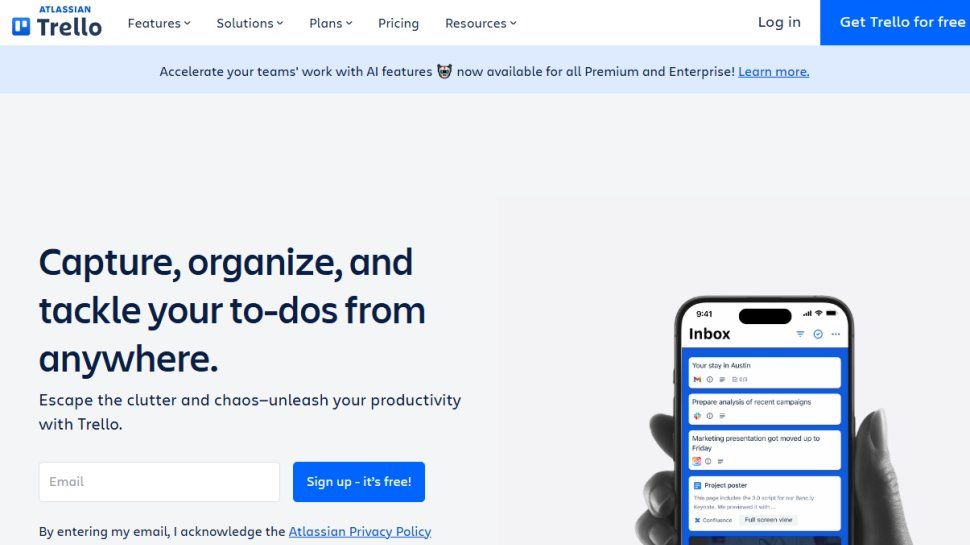
Trello stands out with its board and card system that is perfect for both simple to-do lists and complex project management.
Why Choose Trello?
- Ease of Use: Simple drag-and-drop functionality.
- Extensive Integrations: Connects with many third-party services like Slack and GitHub.
- Collaboration Features: Offers tools for team communication and project updates.
Best Tool for Comprehensive Features: Bitrix24
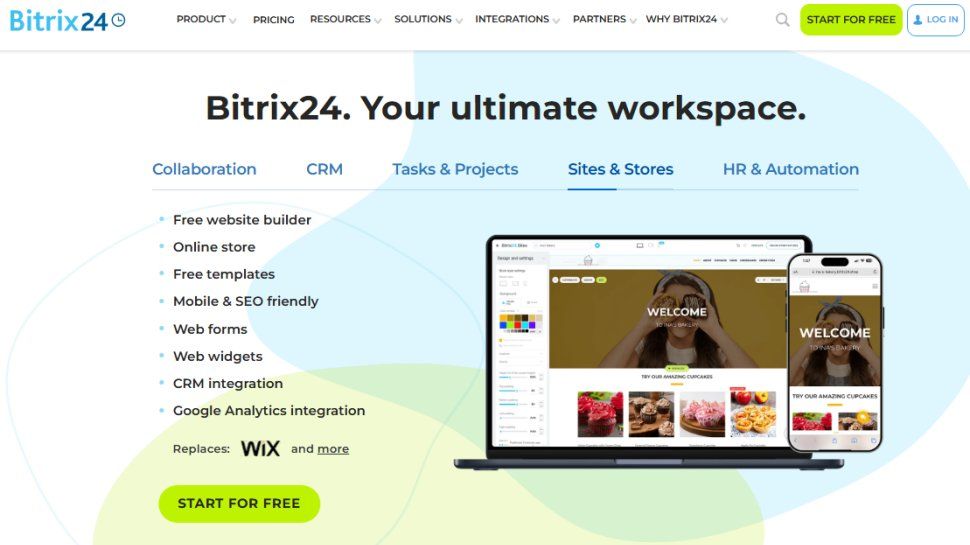
Bitrix24 offers a treasure trove of features, from instant messaging to comprehensive CRM functionalities. It’s especially advantageous for small teams and startups needing an all-in-one tool.
Why Choose Bitrix24?
- Robust CRM Capabilities: Detailed reports on lead management and sales.
- Generous Free Plan: Supports up to 12 users with essential features included.
- Diverse Functionalities: Covers everything from project management to employee scheduling.
Best Time Tracking Apps: RescueTime & Clockify
1. RescueTime
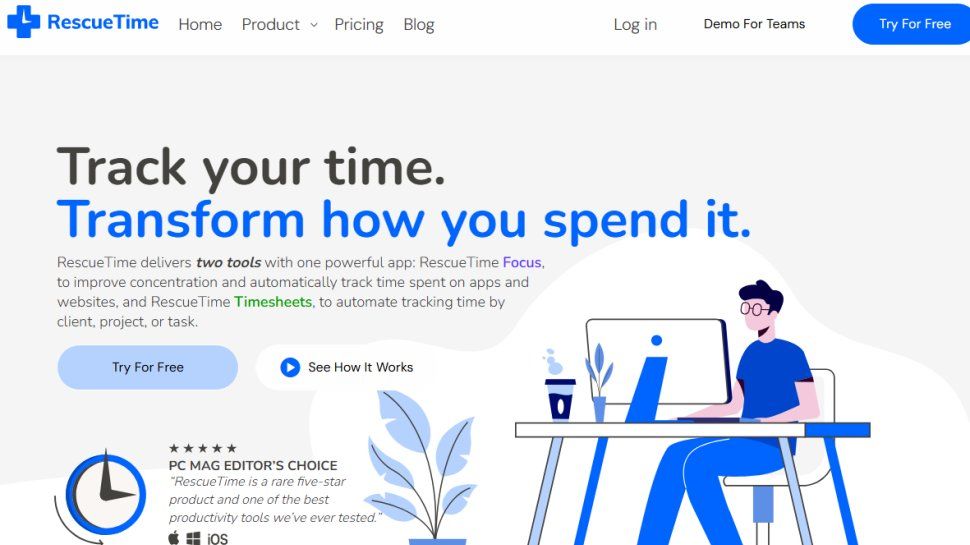
RescueTime runs in the background, automatically tracking time spent on various tasks without needing constant input from the user.
Key Features:
- Discreet Tracking: Logs activity without being intrusive.
- Goal Setting: Allows users to set targets for productivity.
2. Clockify
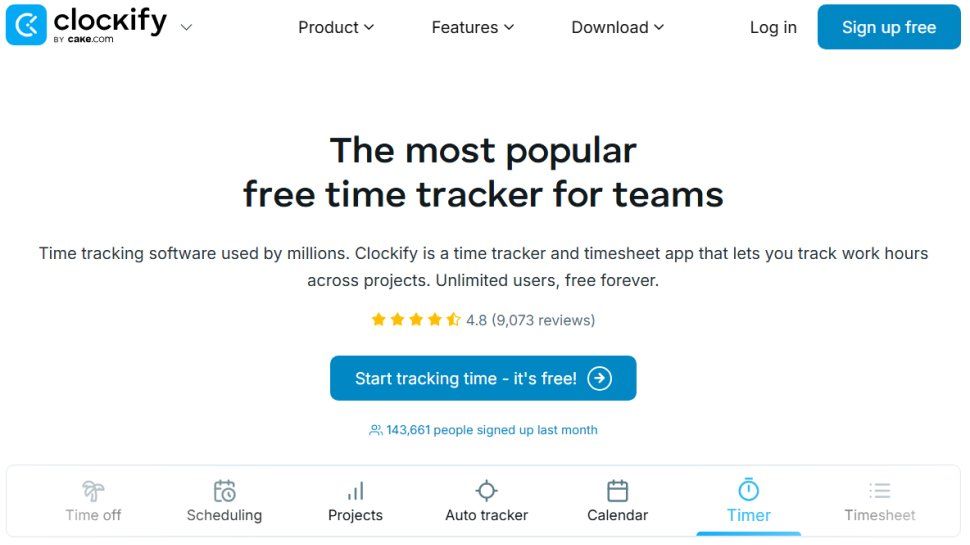
Clockify is incredibly user-friendly, acting as a stopwatch for tracking work hours on different projects.
Key Features:
- Excellent Free Version: Offers core features without cost.
- Integration Options: Works well with popular project management tools.
Conclusion
Selecting the right productivity tool can massively affect your team’s efficiency and engagement. By honing in on your team’s specific needs and experimenting with the options available, a suitable solution exists for everyone. Whether you prioritize collaboration, time management, or comprehensive features, there’s a tool that fits the bill perfectly.