
The Best Online Collaboration Software for Remote Teams
An Overview of Collaboration Tools
In today’s fast-paced work environment, effective collaboration, especially across distances, is crucial for productivity. The shift towards remote work has transformed how teams interact, making online collaboration software necessary for maintaining seamless communication and project management. From messaging apps to project management tools, various platforms have adapted to meet the evolving needs of remote teams.
The New Normal of Collaborative Work
With the pandemic emphasizing remote work, collaboration software has witnessed significant advancements and increased usage. Teams that rely on different locations can no longer depend solely on traditional methods like in-person meetings. Instead, they require tools that allow for file sharing, real-time editing, and effective communication to maintain their workflow and achieve goals.
Understanding Collaboration Tools
Collaboration tools encompass more than just office software like Microsoft Office; they include cloud document storage, video conferencing, and task management applications. The best platforms offer compatibility with both mobile devices and desktops, ensuring flexibility for users. Functionality is key, as these tools should simplify processes and alleviate misunderstandings, allowing employees to connect and address challenges efficiently.
Essential Features of Collaboration Tools
When choosing collaboration tools, users should prioritize clarity, ease of use, and compatibility with existing systems. The software should empower employees to communicate directly with the appropriate colleagues, enabling them to resolve issues quickly. Additionally, features such as task assignment, document sharing, and integrated messaging capabilities contribute significantly to a streamlined collaborative experience.
Best Online Collaboration Tool for Communication: Slack
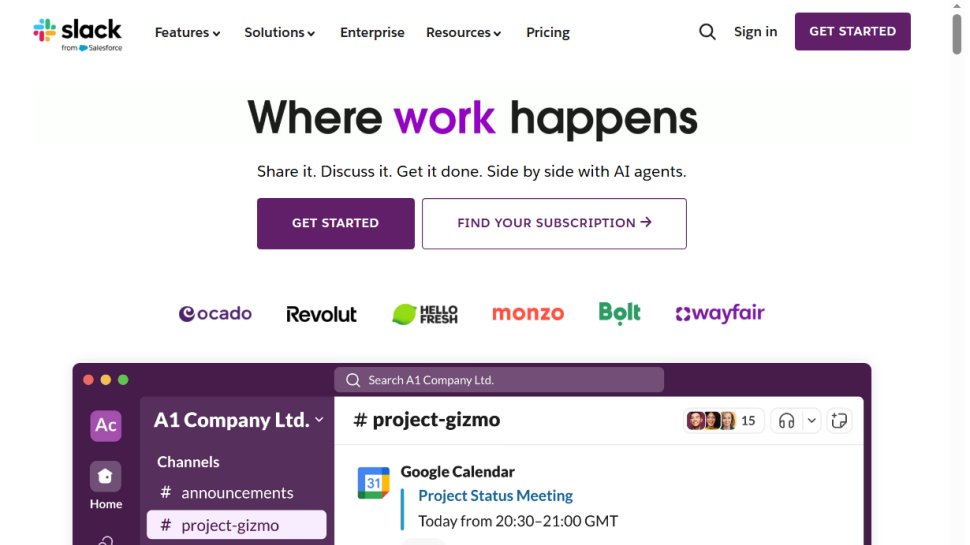
Slack is a powerhouse in the realm of collaboration tools, boasting millions of users worldwide. It facilitates communication through direct messaging and organized channels dedicated to specific topics or projects. With built-in video calling features and integration options for services like Google Drive and Dropbox, Slack enhances communication efficiency while embracing flexibility for both mobile and desktop platforms.
- Pros: Excellent interface, impressive free version
- Cons: Some users may find security features lacking
Best Overall Collaboration Tool: Microsoft 365
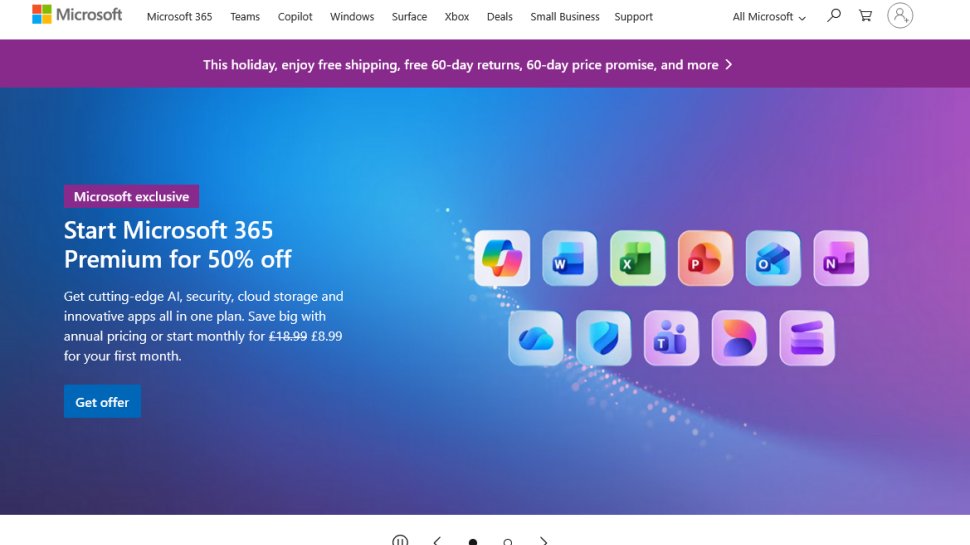
Microsoft 365 has solidified its place as a comprehensive collaboration solution, integrating core tools like Word, Excel, and PowerPoint with modern communication features through Microsoft Teams. The suite allows teams to work simultaneously on documents and offers a cloud-based platform accessible on various devices.
- Pros: Familiar interface, collaborative document editing, cost-effective bundling
- Cons: Learning curve for new users
Read the full Microsoft 365 review.
Best All-in-One Collaboration Tool: Miro

Miro stands out as a versatile online collaboration platform that blends project management and visual brainstorming. Users can utilize digital boards with pre-built templates, making it a favorite for teams engaging in design and research processes.
- Pros: Comprehensive feature set, reasonable pricing, third-party integrations
- Cons: Customer support could improve
Best Tool for Organizing Projects: Trello
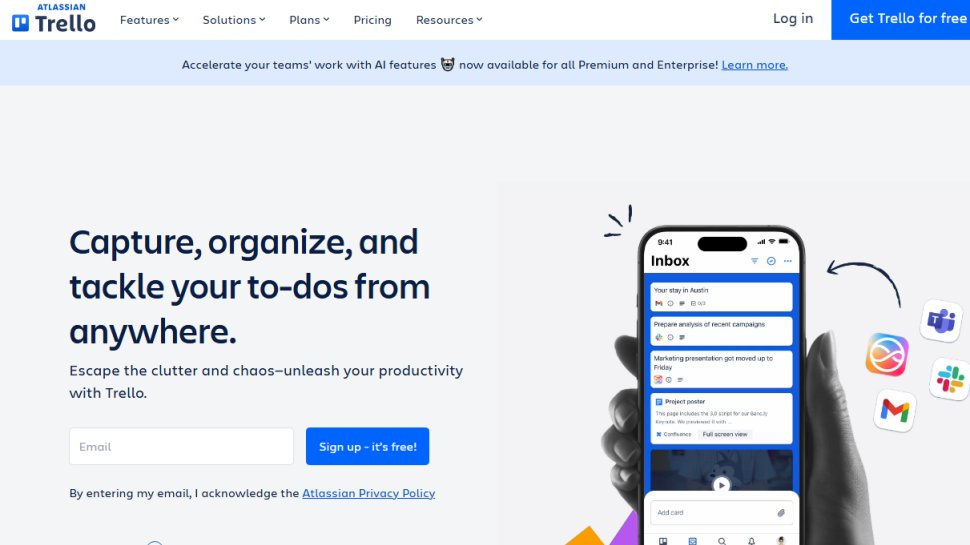
Trello is an intuitive task management tool that employs a board and card system to help teams organize projects efficiently. This platform’s design allows for seamless delegation, commenting, and integration with various external apps like Evernote and Google Drive.
- Pros: User-friendly interface, free version available
- Cons: Can become cluttered with larger projects
Best for Tracking Projects: Asana
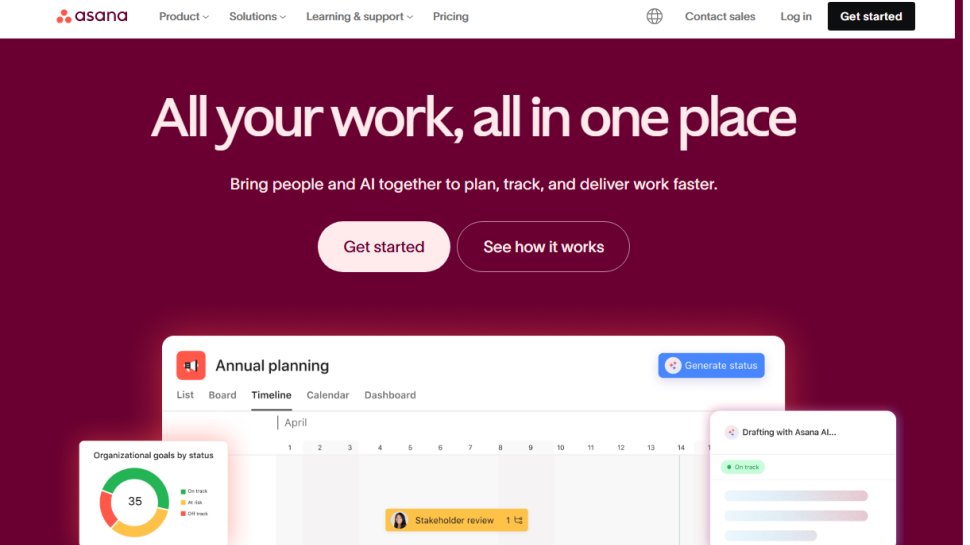
Asana has been a reliable player in the collaboration sphere since 2008. Offering robust project tracking, teams can create organized to-do lists, set deadlines, and provide visibility into project progress, ensuring a high level of productivity.
- Pros: Effective project tracking, useful integrations
- Cons: Limited communication features compared to competitors
Best Collaboration Space: Google Workspace
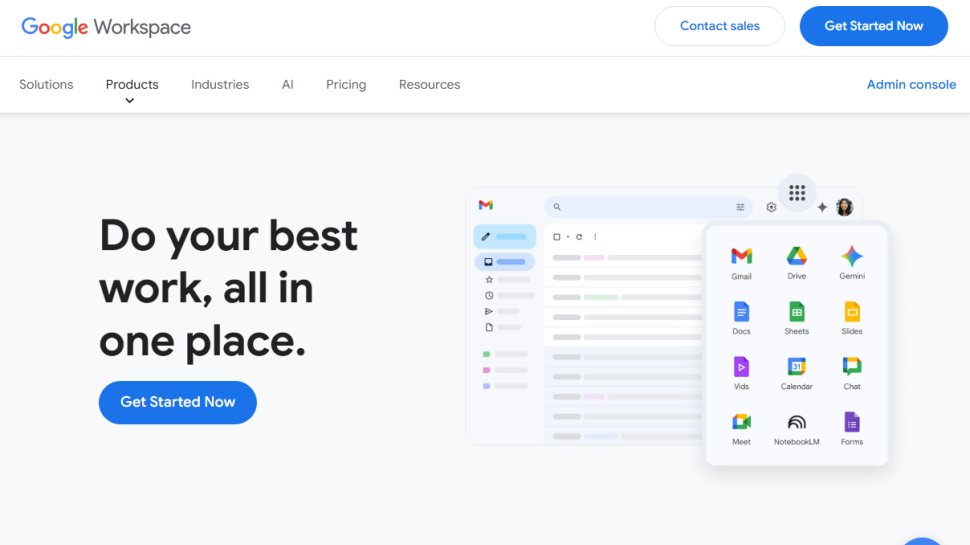
Google Workspace is a powerful suite of collaborative tools designed for businesses of all sizes. It includes custom business emails, real-time document editing, and video conferencing options, all accessible through the user-friendly Google interface.
- Pros: Broad feature set, user-friendly, secure
- Cons: Occasional bugs, limited customization
Read the full Google Workspace review.
Best Platform for Project Management: Airtable

Airtable combines project management with a cloud-based collaborative workspace. Its low-code platform allows users to build custom applications for enhanced collaboration, catering to a wide variety of organizational needs.
- Pros: Free plan available, broad features, desktop compatible
- Cons: Relatively high cost for extensive use
Read the full Airtable review.
A Mobile-Ready Collaboration Tool: Podio
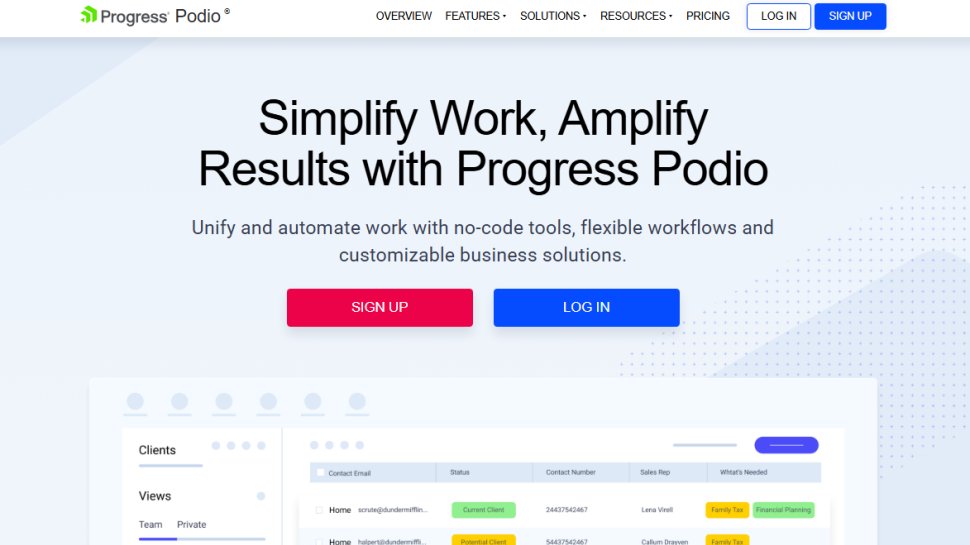
Podio is built to support mobile teams, providing an organized platform for project management. The integration capabilities ensure teams are never out of touch, even when working on the go.
- Pros: User-friendly interface, quality mobile apps
- Cons: Limited support resources
User-Friendly Collaboration Tool: Ryver
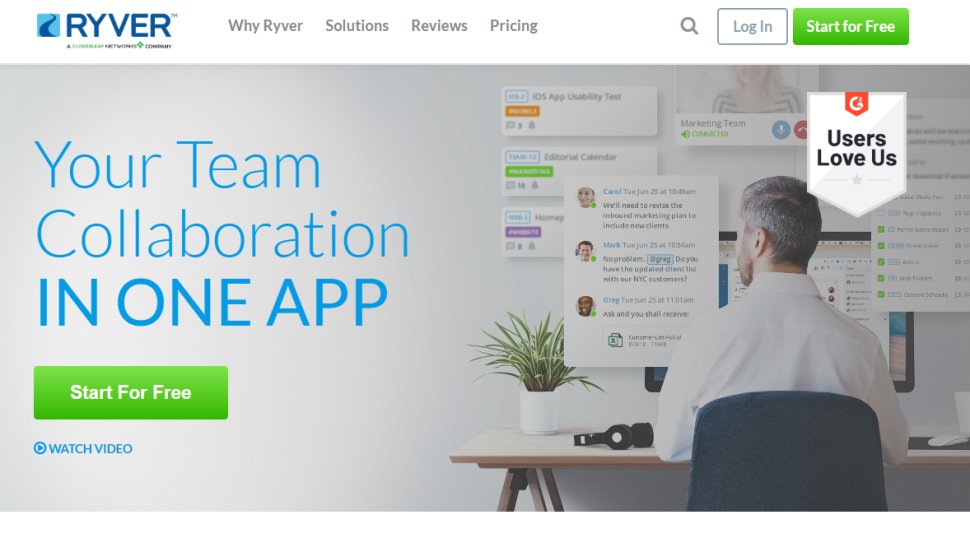
Ryver is designed for easy communication and collaboration, similar to Slack but with unique team categorization features. It’s built for users who prioritize streamlined interactions and effective task management.
- Pros: User-friendly interface, comprehensive features
- Cons: Competitors may offer more advanced features
Best Collaboration Tool for Designers: InVision
InVision is a dedicated collaboration tool for design teams, offering interactive whiteboards for brainstorming and planning. Its built-in templates and integrations make it versatile for various project requirements beyond just design.
- Pros: Intuitive interface, excellent file-sharing capabilities
- Cons: Primarily tailored for design-focused teams
Read the full InVision review.
Other Notable Collaboration Tools to Explore
There are numerous other collaboration tools available, each bringing unique features to enhance teamwork. For instance, Visme focuses on collaborative design and reporting, while Basecamp serves as an all-in-one platform combining messaging, task management, and document sharing. Wrike and Monday.com offer project tracking with extensive third-party integrations, making them suitable for teams utilizing multiple software tools.
Choosing the Right Tool
Selecting the right online collaboration tool depends on several factors including budget, ease of use, required features, and integration capabilities. It’s essential to consider your team’s specific needs and workflows to facilitate effective collaboration. Each platform has its strengths, catering to different aspects of team collaboration. Evaluate what your team prioritizes—whether it’s communication, task management, or design collaboration—and select a tool that aligns with those needs.