
The Best Note-Taking Apps for Android in 2025
Note-taking has become an integral part of our daily lives, whether at the office, home, or on the go. With smartphones becoming ubiquitous, having a reliable note-taking app can significantly enhance productivity and organization. Here’s a look at the best note-taking apps available for Android, showcasing various features to cater to your needs.
Why Use Note-Taking Apps?
With the barrage of ideas, reminders, and tasks that come our way, note-taking apps provide a central location to capture everything—whether you’re tapping on a touchscreen, using a stylus, or jotting with a finger. These apps not only streamline thoughts but also allow for multimedia notes, collaboration, and organizational features which significantly heighten their value.
Many modern note-taking apps support collaborative features, enabling file sharing and collaborative spaces. This makes them ideal not just for individual use but also for teamwork, where sharing insights and ideas in real-time can come in handy.
The Best Note-Taking Apps for Android of 2025
Evernote: Best Overall
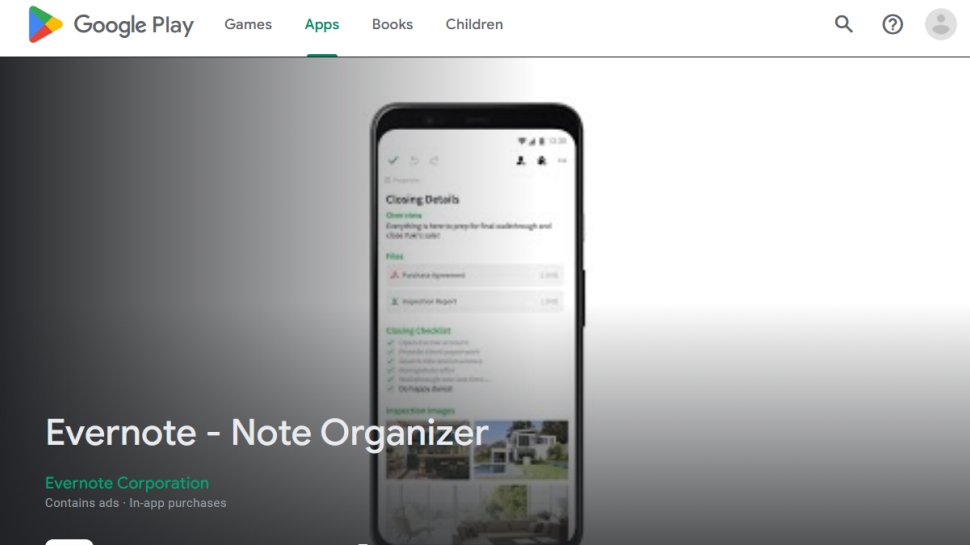
Evernote is hailed as a must-have productivity app due to its powerful features. It allows users to create typed and handwritten notes, make to-do lists, and even scan documents using the camera.
Pros:
- User-friendly interface
- Supports multiple media types: text, sketches, photos, audio, video, PDFs, and web clippings
- Cloud syncing across devices
Evernote’s collaborative capabilities let you share notes and work on them with colleagues. While it offers a free version, a premium plan unlocks a wider range of functionalities.
Microsoft OneNote: Best for Productivity
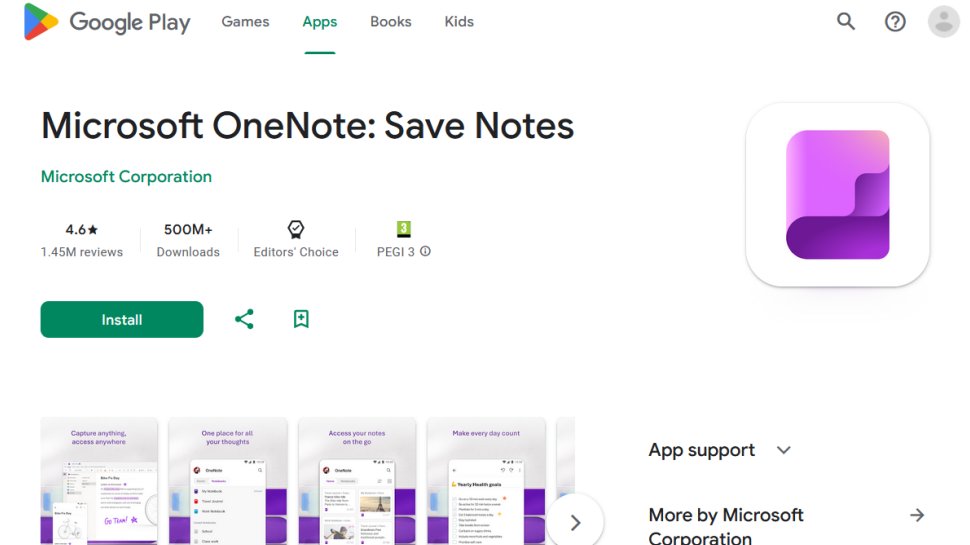
OneNote is a part of Microsoft’s Office family and stands out for its flexibility and integration. It allows users to capture notes from various sources like emails and embed Excel tables.
Pros:
- Multi-platform support (Windows, Mac, iOS, Android)
- Support for typed and handwritten notes
- Entirely free with a plethora of features
The app offers seamless collaboration options, allowing sharing of notebooks for collective efforts.
Google Keep: Best General Note-Taking App
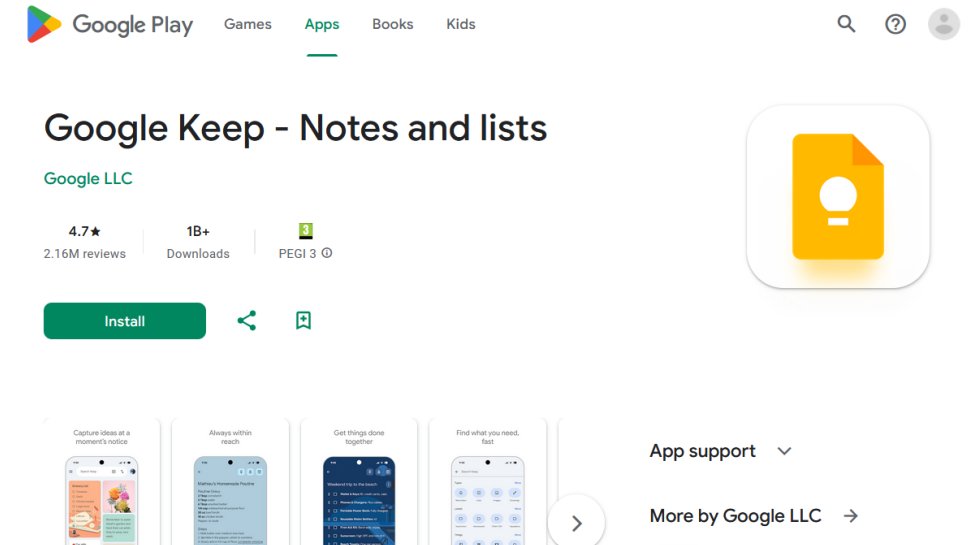
Google Keep excels in simplicity and integration with Google services. Whether you’re writing lists or shopping notes, it keeps things straightforward.
Pros:
- Backed by Google, ensuring reliability
- Supports multimedia notes, including audio and images
- Free and easy to share for collaboration
The app also features color-coded labels and reminders, making organization a breeze.
Simplenote: Best for Minimalist Note-Taking
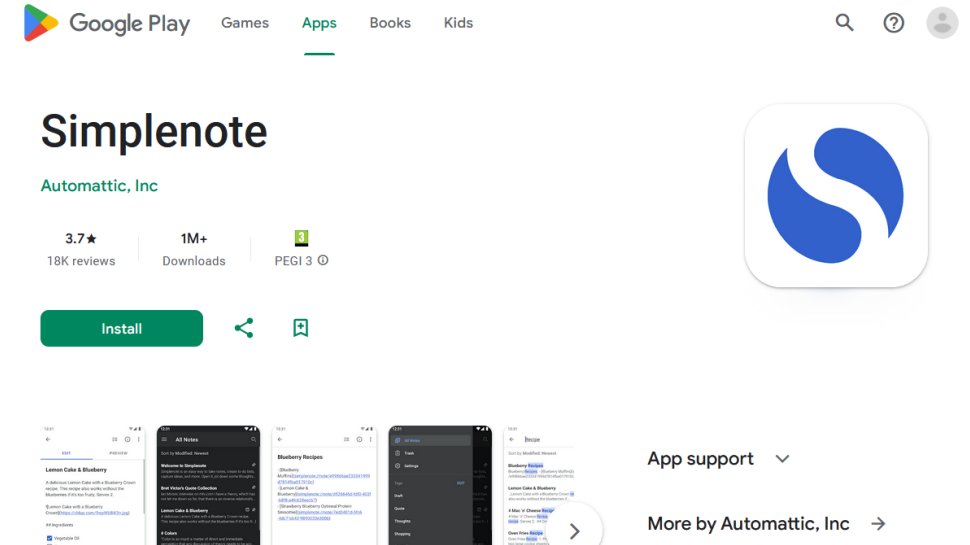
Simplenote is perfect for users who prefer a no-frills approach to note-taking. It allows for quick note creation with easy organization through tags and pins.
Pros:
- Streamlined and efficient for quick notes
- Solid organizational features
- Totally free with no hidden costs
It stores notes in the cloud, allowing access from any device.
Notepad Notes: Best for Features
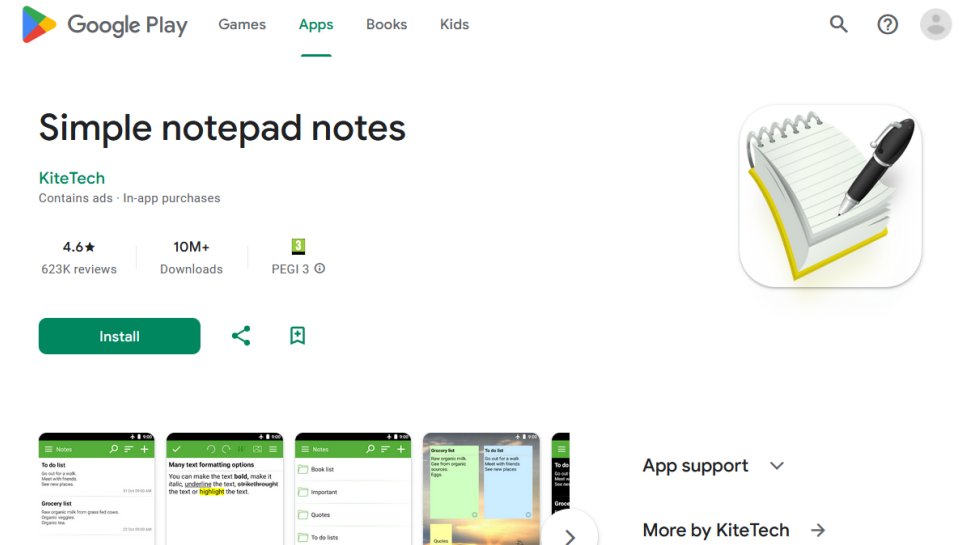
Notepad Notes packs numerous features, including formatting options and the ability to create handwritten notes or audio memos.
Pros:
- Multiple formatting features
- Integration of speech-to-text for easy note creation
- Password protection for sensitive notes
The added flexibility and options showcase its utility beyond typical note-taking.
WPS Office: Best Mobile Office Suite
WPS Office provides an all-in-one solution that includes word processing, spreadsheets, and presentation tools, making it a versatile option for those who need more than just notes.
Pros:
- Comprehensive suite with multiple functionalities
- Free to install with in-app purchases for advanced features
- Compatible with various file formats
It is ideal for users who frequently switch between documents, spreadsheets, and presentations.
Google Workspace: Ideal for Collaborative Work
Google Workspace integrates a suite of collaboration tools, including Google Docs and Sheets. It’s a solid choice for teams needing to work together on documents.
Pros:
- Real-time collaboration across apps
- Accessibility from anywhere with internet connectivity
- Comprehensive file sharing and storage options
Other Notable Mentions
- Samsung Notes: Great for Samsung users; allows easy sketching and organizing.
- Classic Notes: Simple interface for straightforward note-taking, suitable for tech-averse users.
Each of these apps brings something unique to the table, whether it’s collaboration, simplicity, or extensive features. Choose based on your preferences and workflow needs, ensuring a seamless note-taking experience that enhances productivity in your daily life.