
Unlocking Your Coding Potential: The Best Tools for Vibe Coding in 2026
Are you looking for ways to speed up your workflow and stay in the zone while coding? As vibe coding transforms how we build software, more developers search for tools that deliver the perfect mix of intelligence, speed, and creative flow. However, with so many tools available, it’s essential to identify which ones truly deliver value and align with your development needs and workflow.
In this article, we’ll explore the 9 best vibe coding tools set to transform development in 2026. Let’s get started!
What Defines an Exceptional Vibe Coding Tool?
Before we dive into the list of the 9 best vibe coding tools, let’s see what makes a great vibe coding tool truly stand out from the rest:
-
 Contextual AI Intelligence: The best tools understand your entire codebase and provide context-aware suggestions that align with your overall intent.
 -
Seamless Workflow Integration: They fit naturally into your existing development environment without interrupting or complicating your workflow.
-
High Performance and Speed: Fast, responsive feedback ensures you can stay in the zone without unnecessary delays or interruptions.
-
Comprehensive Language Support: Usually, these tools support a wide range of programming languages and frameworks, making them adaptable to diverse project needs.
-
Customizability and Flexibility: Great tools can be tailored to your preferences, coding style, and team standards for a more personalized experience.
-
Robust Collaboration Features: They offer features like shared comments, code reviews, and team settings that make collaborative work smoother and more efficient.
-
Strong Privacy and Security Standards: Reliable coding assistants prioritize data protection and meet high security standards, especially for sensitive or enterprise-level work.
9 Best Vibe Coding Tools to Try in 2026
1. Zencoder
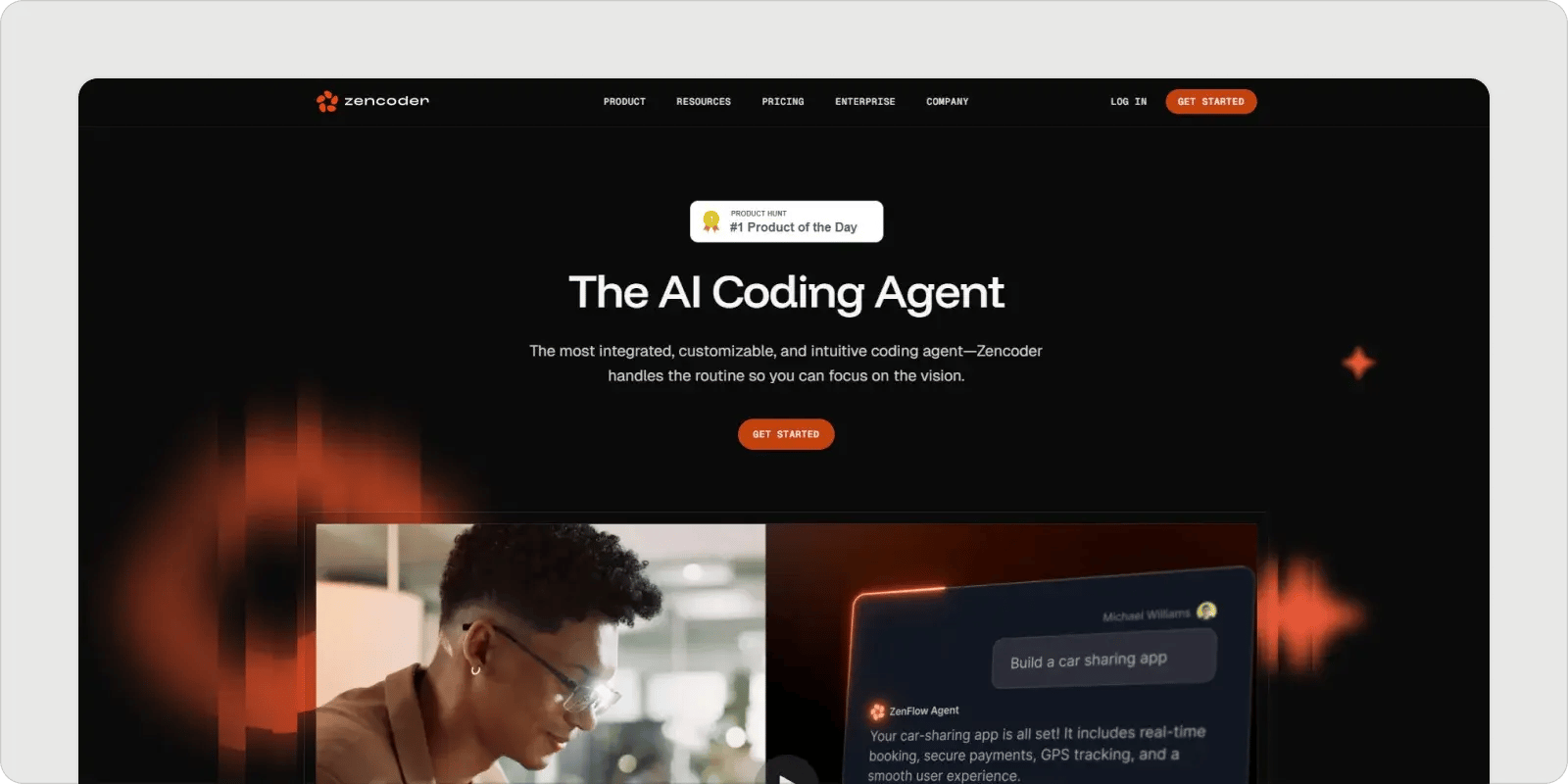
Zencoder is an advanced AI coding agent that redefines the software development lifecycle (SDLC) by driving productivity, precision, and innovation. Through Repo Grokking technology, Zencoder performs a comprehensive analysis of your entire codebase, uncovering structural patterns, architectural logic, and custom implementations. This deep contextual understanding empowers Zencoder to deliver highly accurate, context-aware recommendations, enabling faster, smarter code writing, debugging, and optimization.
Key Features:
- Integrations: Seamlessly integrates with over 20 developer environments.
- Coding Agent: Helps quickly find and fix bugs and automate complex tasks.
- Chat Assistant: Real-time, context-aware support that boosts productivity.
- Code Completion: Intelligent, real-time suggestions to keep your workflow smooth.
- Code Generation: Automatically generates precise, production-ready code.
Pros:
- Highly accurate, context-aware suggestions.
- Automates code repairs, documentation, and test generation.
Cons:
- Developers may become overly reliant on automation.
Pricing: Offers a Free Plan and various paid plans starting at $19 per user/month.
2. GoCodeo
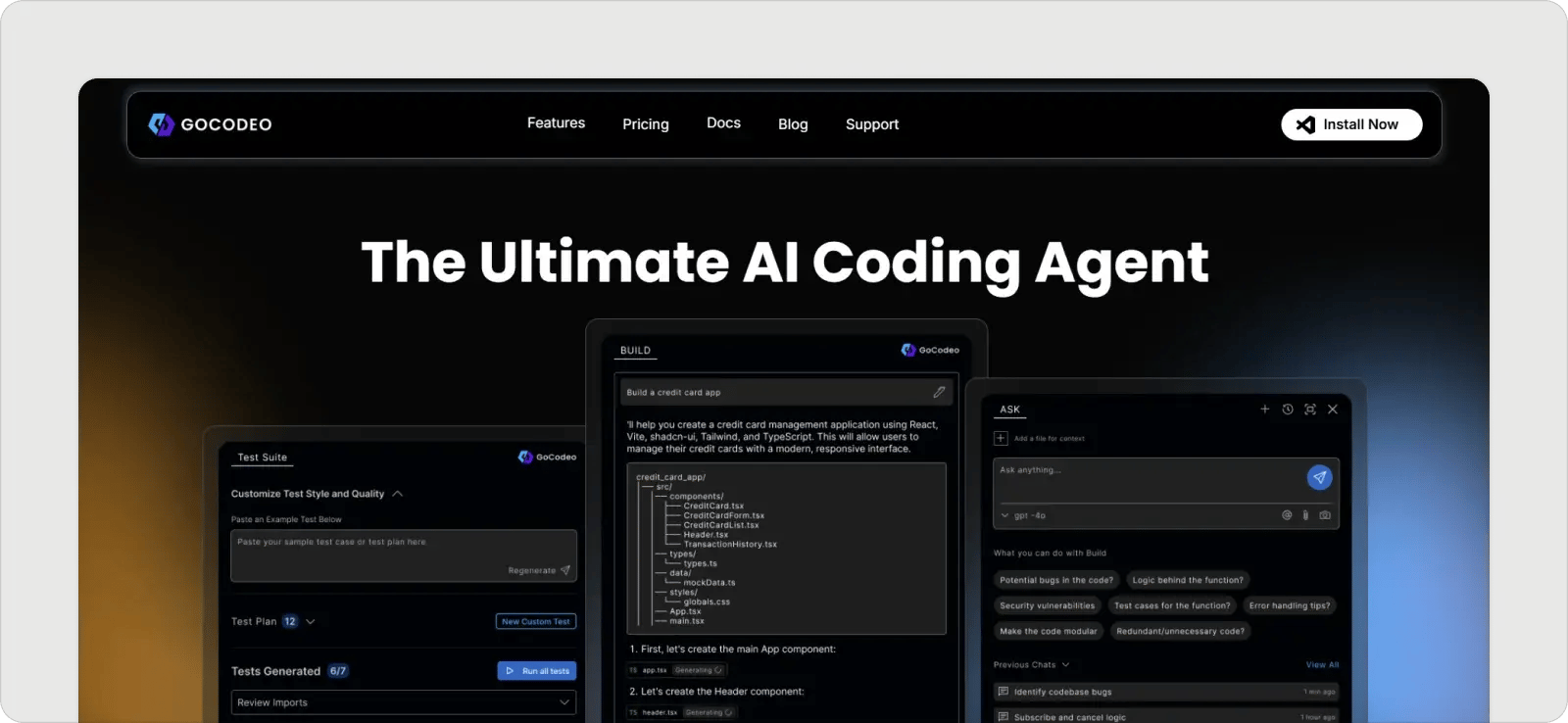
GoCodeo is an AI-powered coding assistant that enables you to write, test, and deploy production-grade software faster. It integrates directly into your IDE, helping you handle repetitive tasks and simplifying the coding process.
Key Features:
- AI-Powered Code Generation: Instantly creates essential project files.
- One-Click Deployment: Seamlessly deploys projects with optimized backend setup.
- Multi-Session Build History: Maintain coding efficiency across sessions.
- Prompt Enhancement: Boosts development precision by enhancing user inputs.
Pros:
- Boosts productivity with AI-powered automation.
- Great integration with VS Code.
Cons:
- Limited support for IDEs beyond VS Code.
Pricing: Offers a Free Plan with paid plans starting at $9/month.
3. Taskade
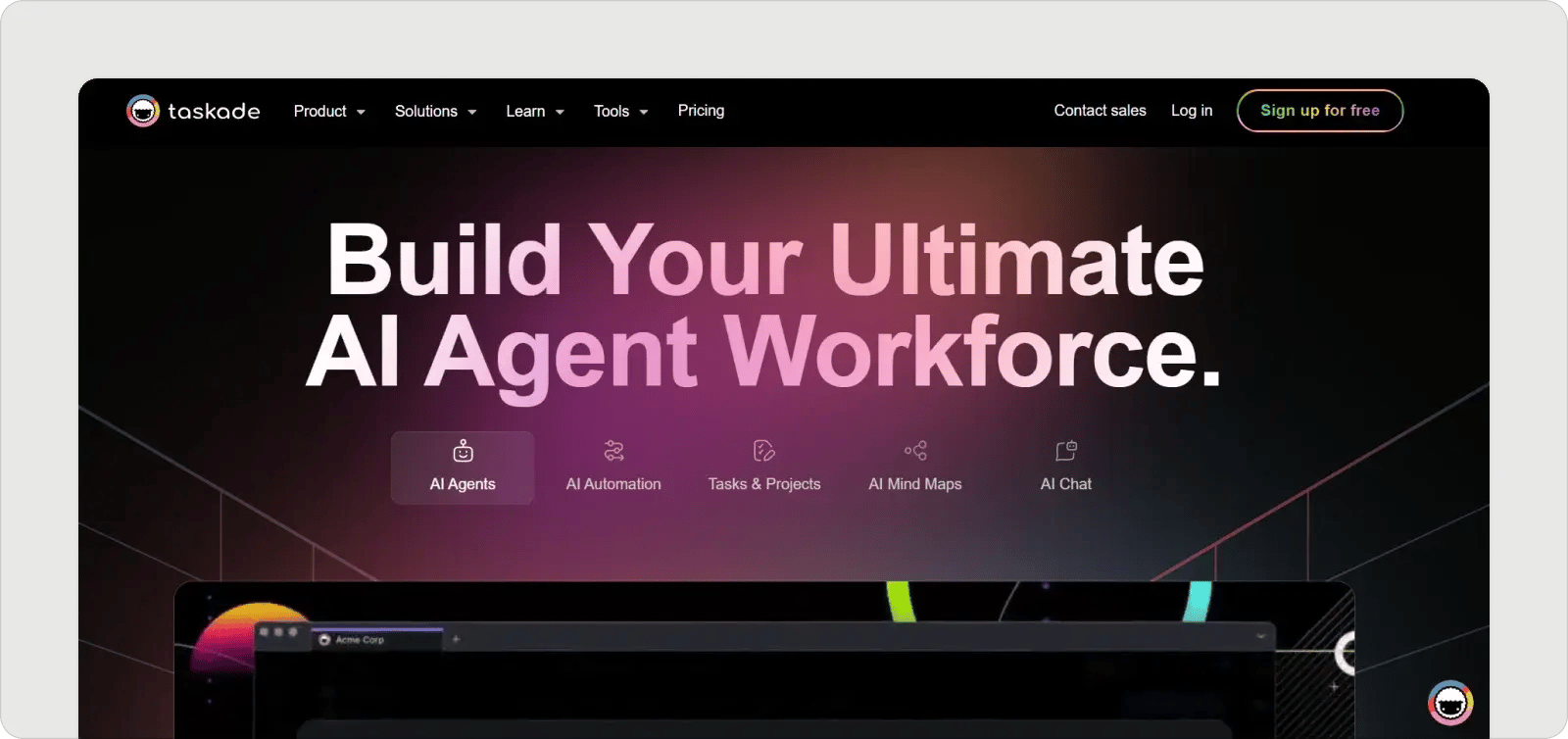
Taskade combines AI-powered productivity and collaboration in one platform, letting you build, train, and deploy custom AI agents. It automates tasks, generates workflows, and manages projects.
Key Features:
- AI Personas and Tones: Customize AI responses for specific needs.
- AI Workflow Generator: Instantly create projects and task lists.
- AI Writing and Task Assistant: Brainstorm and organize in the editor.
Pros:
- User-friendly interface with a plethora of features.
- Works across all devices.
Cons:
- Needs the internet to function.
Pricing: Free Plan and paid plans starting at $20/month.
4. Cody by Sourcegraph
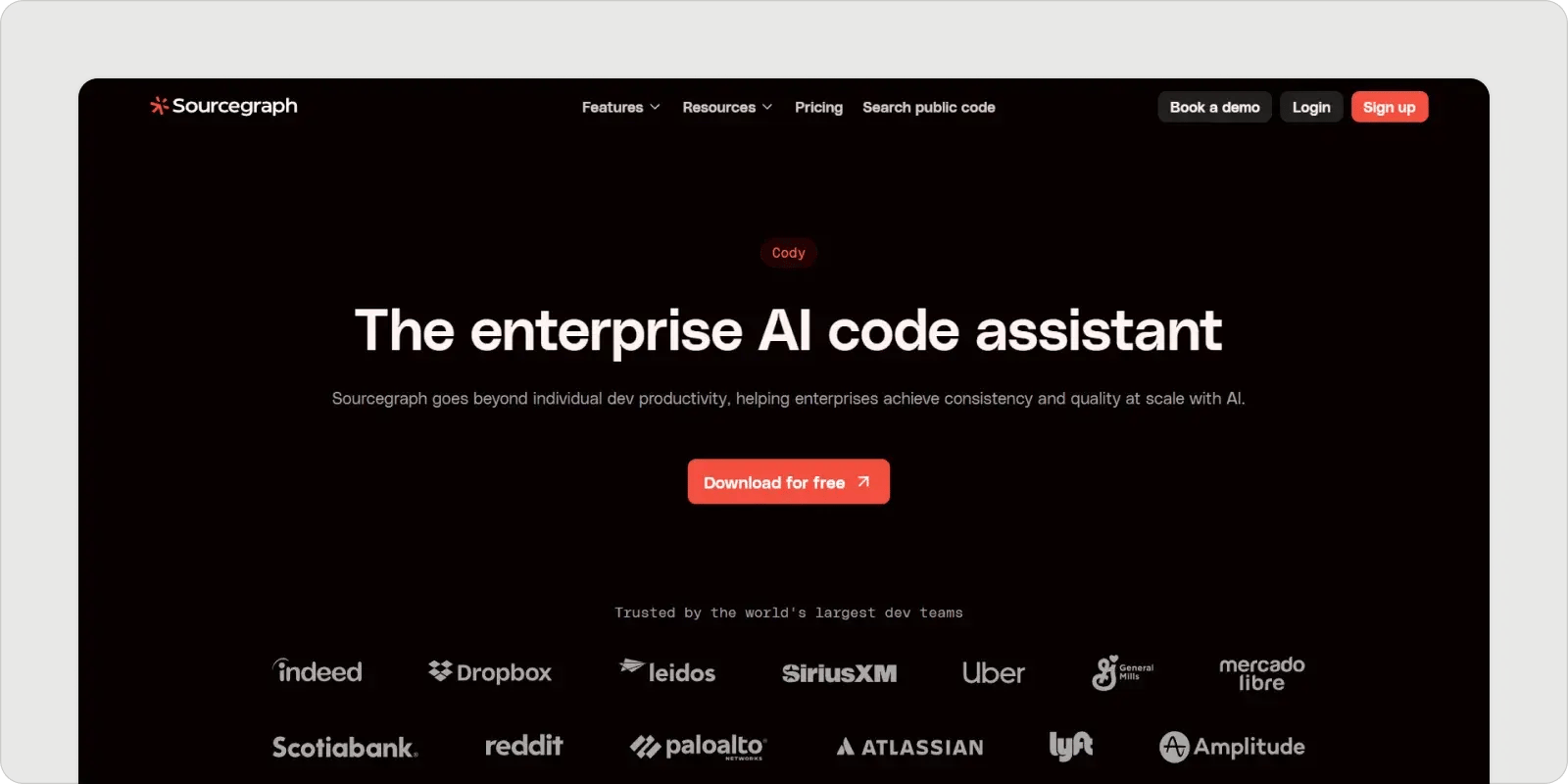
Cody by Sourcegraph helps you navigate, understand, and write code in complex enterprise codebases faster. It features intelligent agents for tasks to boost productivity.
Key Features:
- Agentic Chat: AI that autonomously gathers context.
- In-line Edits: Directly fix, edit, and refactor code.
- Cross-Repository Navigation: Accelerates onboarding with easy navigation.
Pros:
- Smart, context-aware coding help.
- Works well with popular IDEs.
Cons:
- May raise privacy concerns.
Pricing: Free Plan and paid plans starting at $19/month.
5. AskCodi
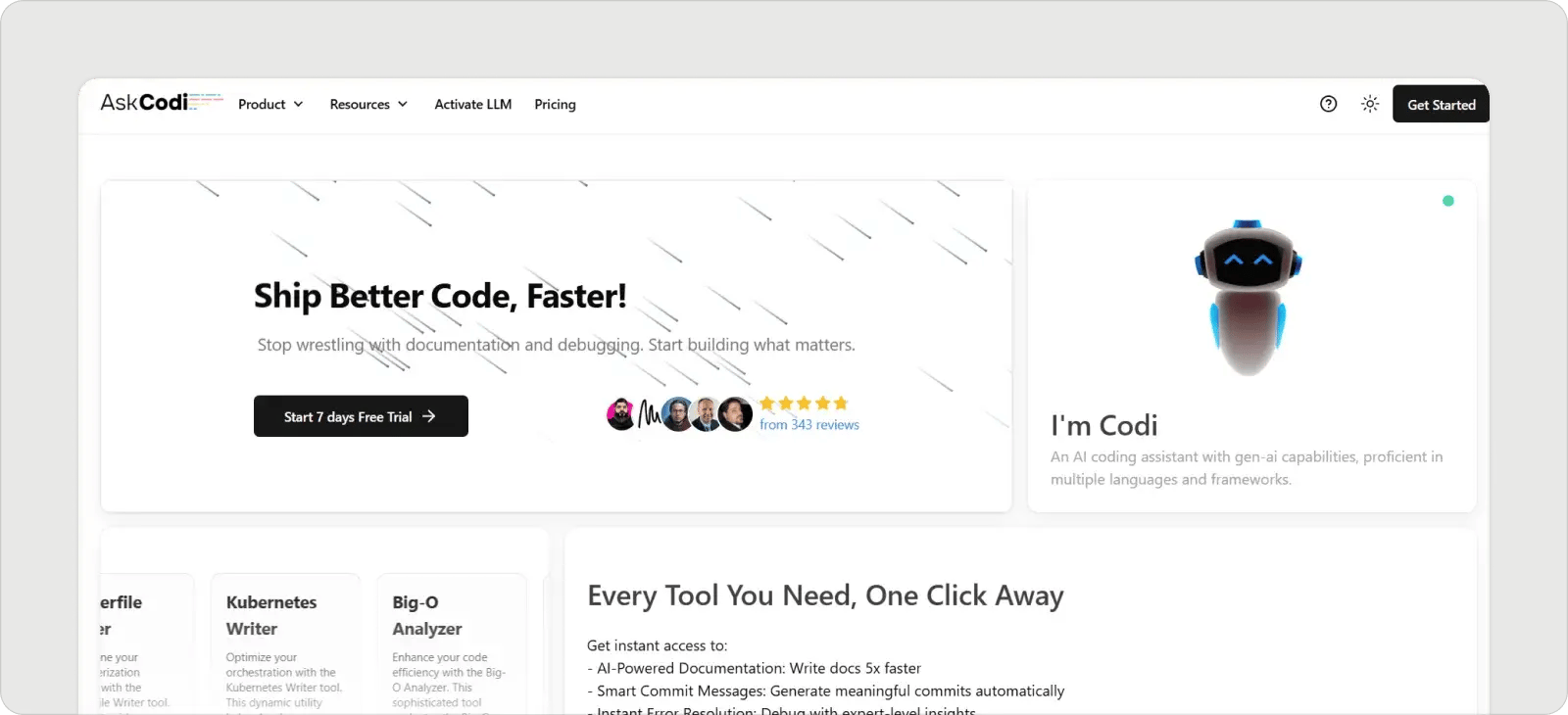
AskCodi streamlines software development with its comprehensive suite of applications—code generators, CI/CD pipeline writers, and testing tools.
Key Features:
- Language Translation: Converts code between languages.
- Regex Generation: Creates complex regular expressions.
- Bug Detection: Identifies bugs and suggests fixes.
Pros:
- Boosts productivity across multiple IDEs.
- Offers code generation and testing features.
Cons:
- Sometimes generates flawed code.
Pricing: Offers paid plans starting at $14.99/month.
6. Warp
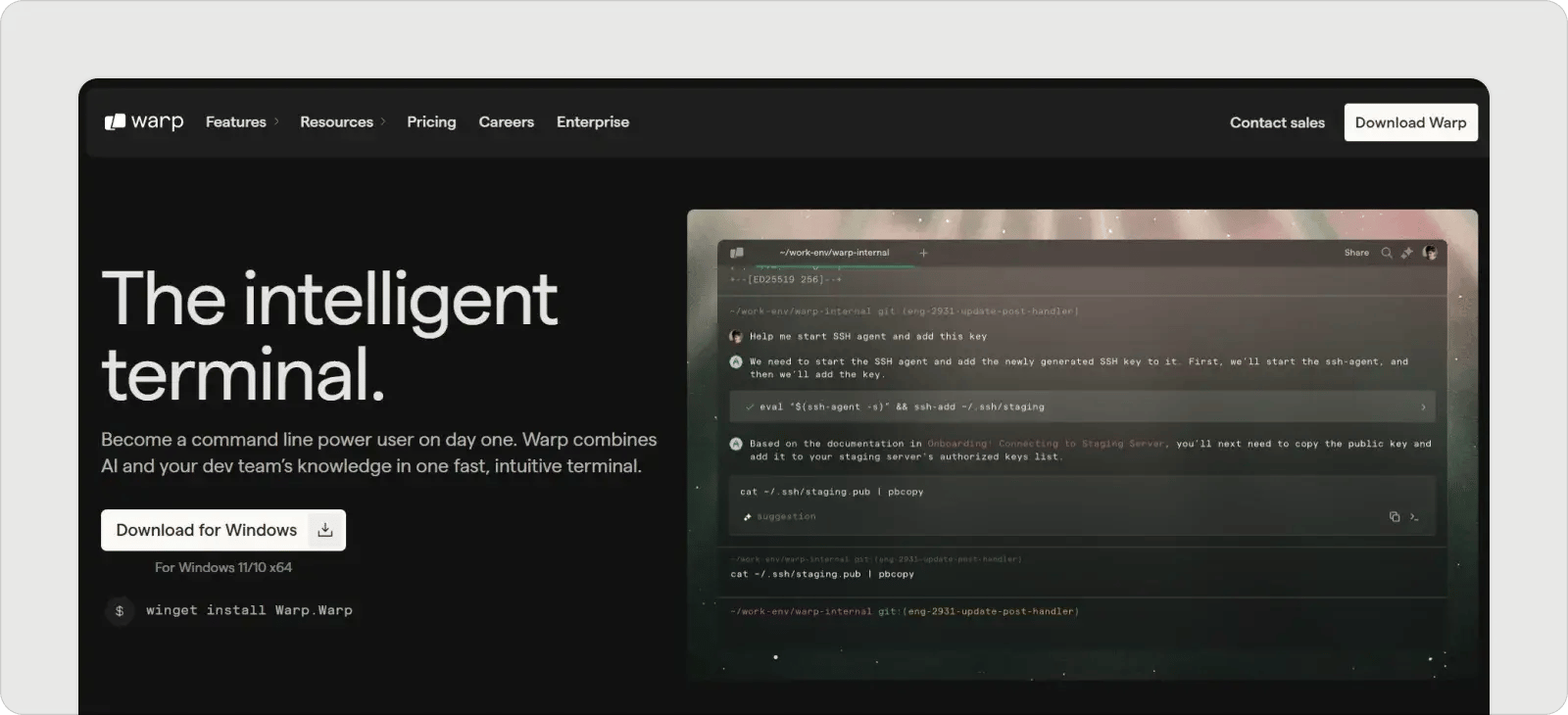
Warp is an AI-powered terminal that enhances productivity with features like natural language command execution and smart error fixing.
Key Features:
- Natural Language Input: Recognizes typed questions or tasks.
- AI Coding Assistance: Enhances tasks with AI features.
- Next Command Prediction: Suggests commands based on history.
Pros:
- Modern UI that resembles IDE functionality.
- Boosts productivity with AI features.
Cons:
- Limited themes and font options.
Pricing: Free Plan and paid plans starting at $15/month.
7. GitHub Copilot
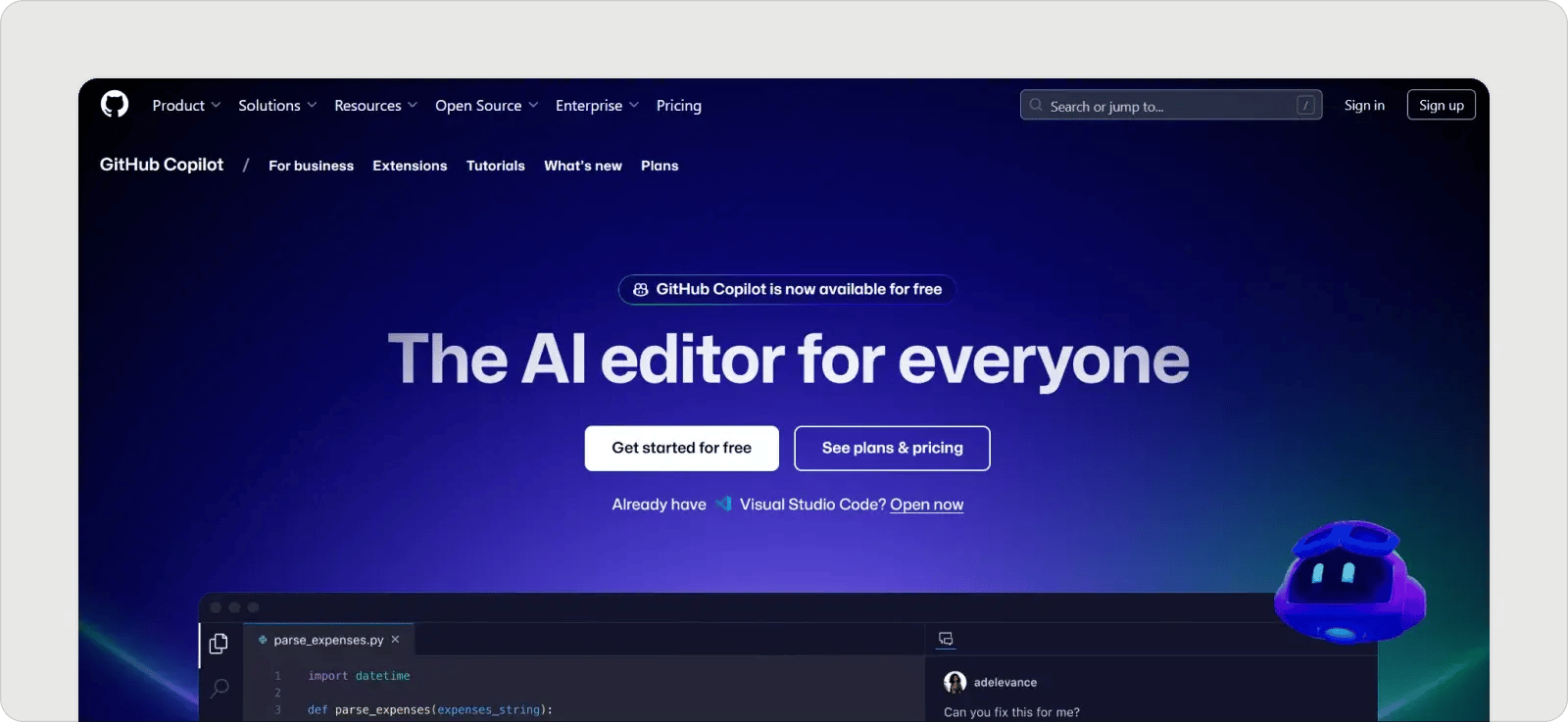
GitHub Copilot enhances the development experience with real-time code suggestions and inline chat functionalities.
Key Features:
- Conversational Coding: Ask questions about code directly.
- Real-Time Suggestions: Context-aware code suggestions to boost speed.
- Commit Message Generation: Automatically create clear commit messages.
Pros:
- Seamless integration with VS Code.
- Fast code generation.
Cons:
- May suggest buggy code at times.
Pricing: Free Plan and paid plans starting at $10/month.
8. Cursor
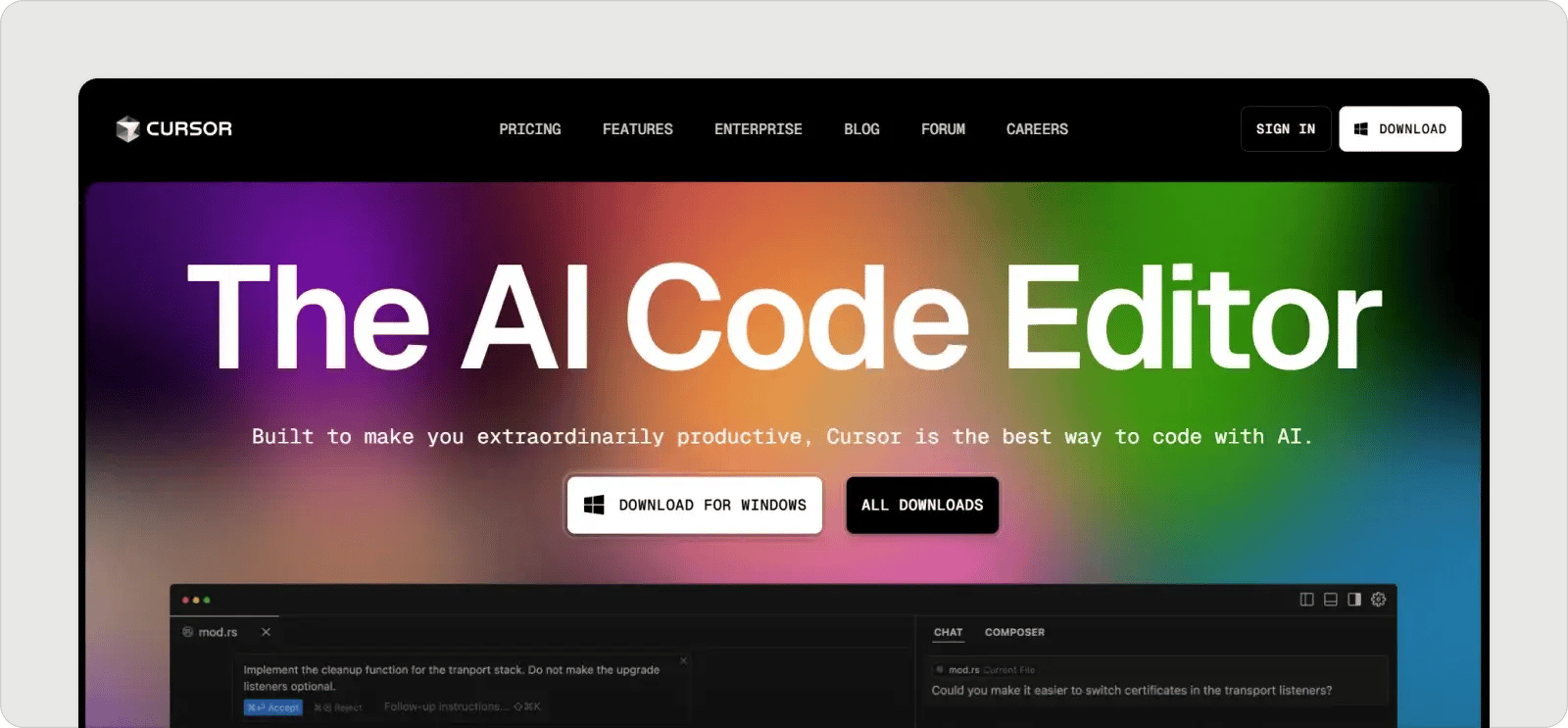
Cursor is an AI-powered code editor that boosts productivity through natural language code editing and integrated privacy features.
Key Features:
- Context Understanding: Reduces manual context addition.
- Smart Rewrites: Automatically fixes typing mistakes.
- Context-Aware Chat: Real-time help for bug detection.
Pros:
- Natural language editing speeds up changes.
- Robust privacy features.
Cons:
- Some buggy AI suggestions.
Pricing: Free Plan and paid plans starting at $20/month.
9. Windsurf (Formerly Codeium)
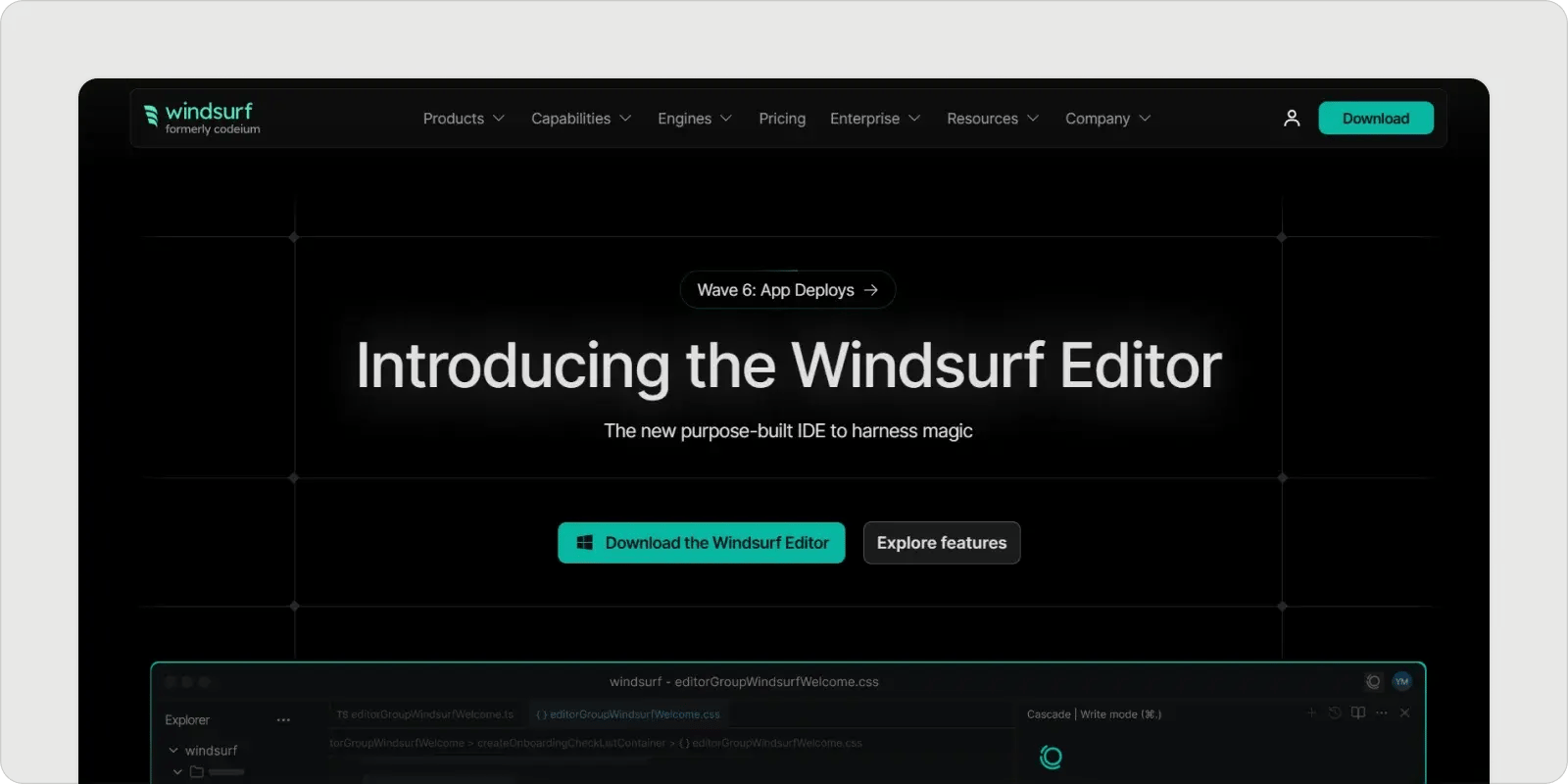
Windsurf enhances productivity through seamless collaboration between humans and intelligent agents, along with powerful context-awareness features.
Key Features:
- Natural-Language Input: Transforms code using conversational commands.
- Context-Awareness Engine: Offers personalized suggestions based on understanding of the codebase.
- Proprietary Tool Suite: Fast code manipulation tools integrated into a unified platform.
Pros:
- Fast, relevant code suggestions.
- Strong multi-language support.
Cons:
- Struggles with complex codebases.
Pricing: Free Plan and paid plans starting at $15/month for individuals.
With this comprehensive list, you can explore these vibe coding tools to enhance your workflow and productivity as a developer in 2026. Whether you’re interested in smart code suggestions, intuitive interfaces, or seamless integration, there’s a suitable tool waiting for your unique coding needs!