
Best Free Remote Desktop Software of 2025
The rise of remote work has changed the way we interact with our devices. Having access to your computer from anywhere is more crucial than ever, whether you’re troubleshooting an issue, accessing documents, or managing your work. Remote desktop software allows users to connect to another computer over the internet, making it simpler to manage tasks without being physically present. Here’s a detailed look at some of the best free remote desktop software available in 2025, tailored to different needs and user scenarios.
Why Use Remote Desktop Software?
Remote desktop applications provide seamless access to another device, allowing users to control it as if they were sitting right in front of it. This technology is especially beneficial for:
- Troubleshooting and Support: Technical support teams can provide assistance by accessing users’ devices directly.
- Accessing Files: Users can retrieve files or programs from their office computer while working from home or on-the-go.
- Collaborating on Projects: Team members can work together in real-time, accessing the same software and documents.
Best Free Remote Desktop Software for Small Businesses
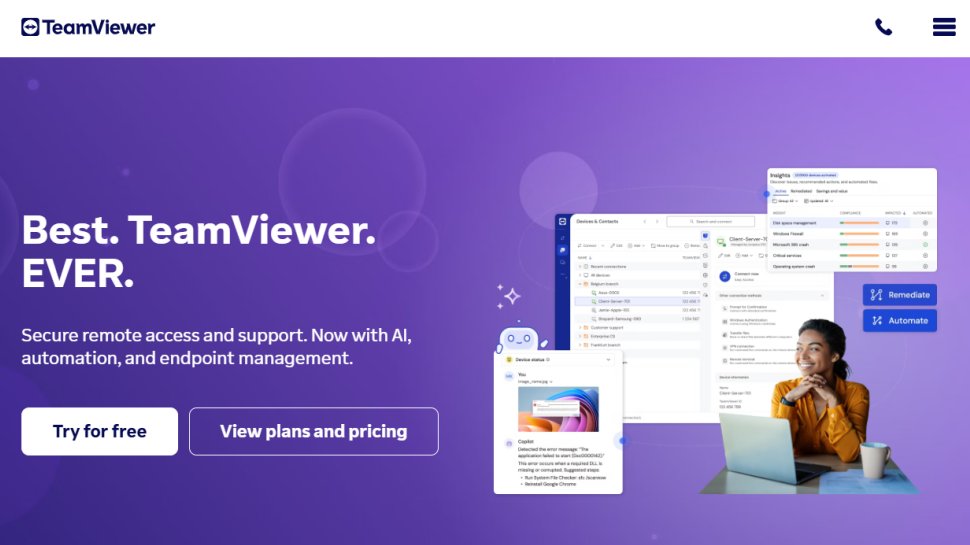
TeamViewer
Overview:
TeamViewer stands out as an essential tool for small businesses looking to connect employees securely and efficiently.
Pros:
- Free for Personal Use: Businesses can leverage its features at no cost for their personal projects.
- Highly Secure: It employs encryption to ensure safe connections.
- User-Friendly Interface: Its simplicity allows anyone to quickly learn how to use the application.
Cons:
- Limited to Personal Use: The free version restricts usage to personal tasks, which can be a hindrance for businesses using it commercially.
- Lacks Advanced Features: The free version may not include all functionalities that businesses require.
Ideal Use Case
TeamViewer is ideal for small businesses that handle consistent communication with remote teams or need to provide tech support.
Best Free Remote Desktop Software for IT Teams
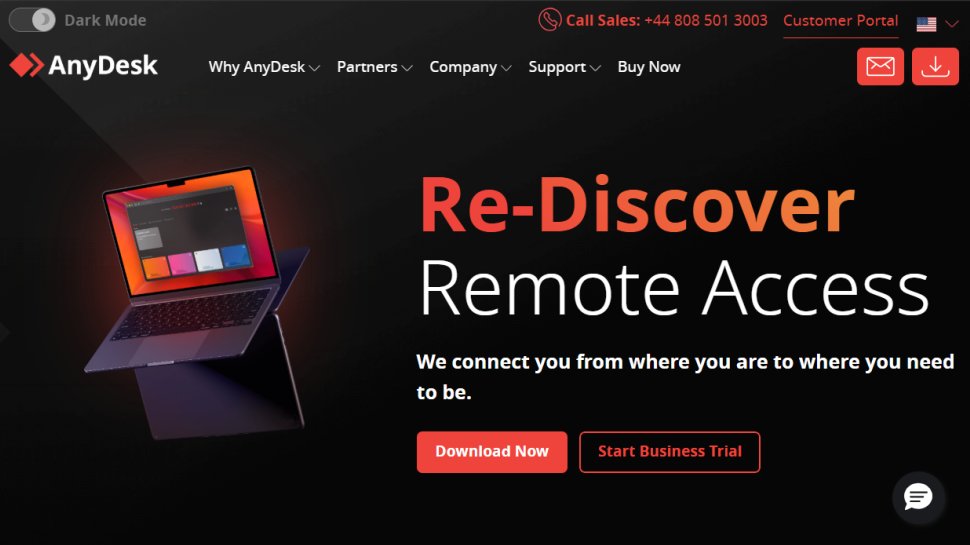
AnyDesk
Overview:
AnyDesk has gained momentum in recent years, offering a clean interface and robust functionality perfect for IT teams.
Pros:
- Supports File Transfers: Effortlessly exchange files between devices.
- Cross-Platform Compatibility: Works seamlessly across various operating systems like macOS, Windows, and Linux.
- Collaboration Tools: Includes a built-in chat option and virtual whiteboard, ideal for team meetings.
Cons:
- Limited Features for Bigger Teams: While excellent for small and mid-sized teams, larger organizations may need additional functionalities that the free version doesn’t cover.
Ideal Use Case
This software is excellent for IT teams that need remote connections to resolve issues swiftly and communicate effectively during troubleshooting.
Best Free Remote Desktop Software for Individuals
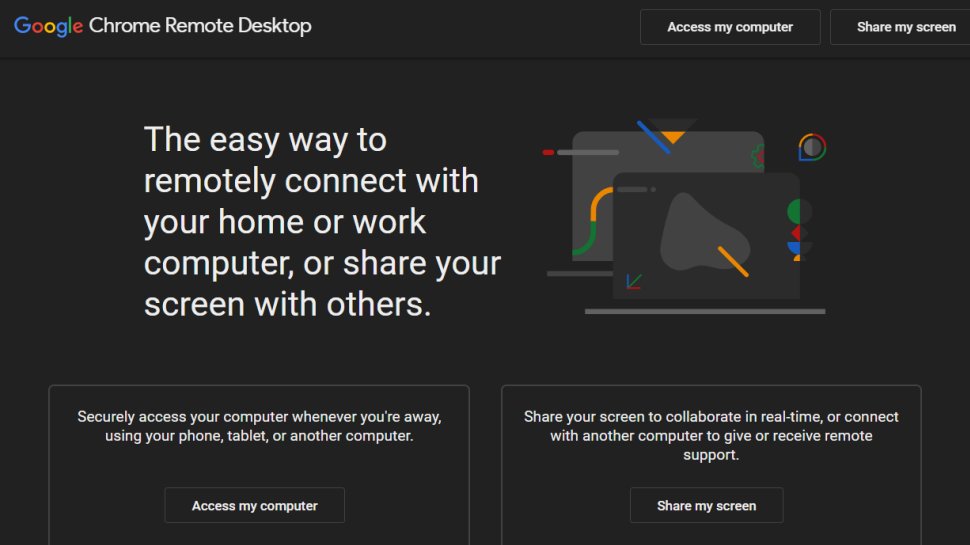
Chrome Remote Desktop
Overview:
This tool takes advantage of the Google ecosystem, making it a great option for individuals who primarily use Chrome.
Pros:
- Completely Free: Users won’t incur any costs while using this software.
- Simple Setup: Quick to set up and easy to navigate.
- Compatible Across Platforms: Works with Windows, macOS, and Android, ensuring access wherever the user is.
Cons:
- Limited Functionality: The software lacks advanced features, and users cannot transfer files between devices.
- Google Ecosystem Dependency: It only works within the Chrome browser, limiting flexibility.
Ideal Use Case
Great for individuals who often travel or work from different locations and need quick access to their home or office computer.
Best Free Remote Desktop Software for Windows Users
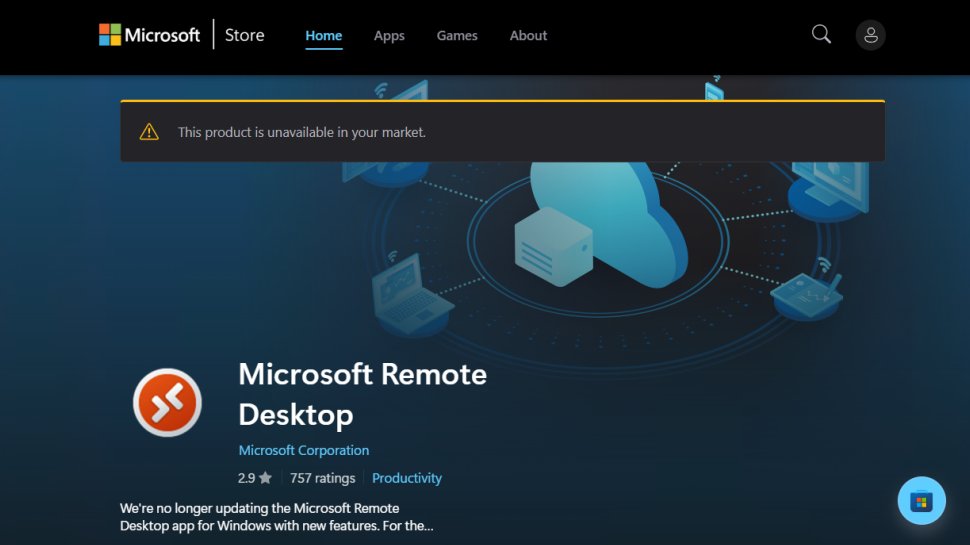
Microsoft Remote Desktop
Overview:
Designed primarily for Windows users, this tool integrates seamlessly with other Microsoft solutions.
Pros:
- User-Friendly: Easy to navigate, especially for those already acquainted with Windows.
- Comprehensive Control: Users can access applications and files, making it feel like being directly on the computer.
- Cross-Platform: Also works on Android and iOS devices, enhancing accessibility.
Cons:
- Restrictive Usage: Users can’t run multiple sessions simultaneously.
- Complex Setup: Setting it up outside a Microsoft office may pose difficulties for some users.
Ideal Use Case
Microsoft Remote Desktop is best suited for Windows users embedded in the Microsoft ecosystem, managing local and remote tasks with ease.
Best Free Remote Desktop Software for Mobile
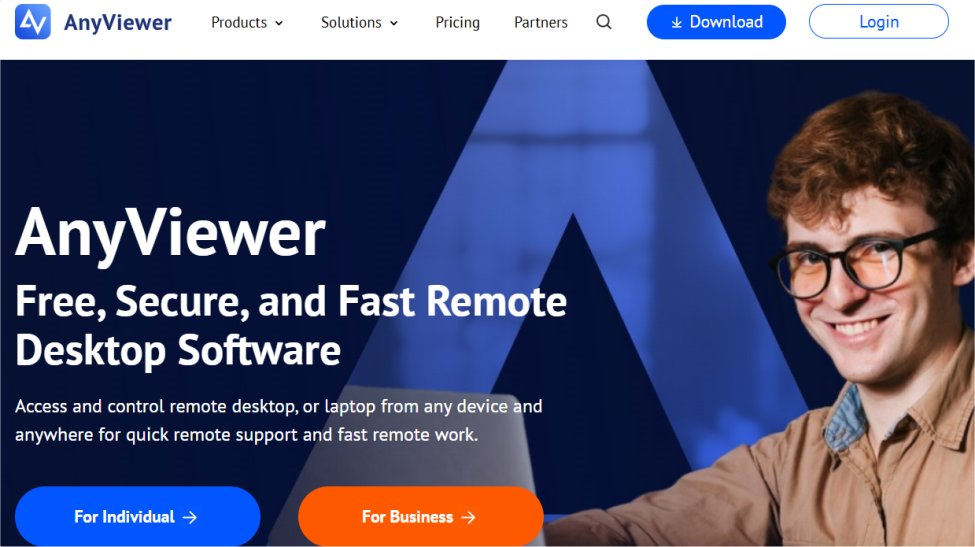
AnyViewer
Overview:
A versatile remote desktop solution that allows mobile users to access their devices securely.
Pros:
- User-Friendly: Simple to set up and use.
- Security Features: Offers secure connections with high encryption standards.
- Mobile Compatibility: Available on both iOS and Android.
Cons:
- Limited to Windows: Currently works only with Windows PCs, restricting its usability for macOS users.
- Basic Feature Set: Some key features may be absent in the free version.
Ideal Use Case
Ideal for mobile users needing secure access to their Windows devices, AnyViewer ensures that users can take control on the go.
Best Free Open-Source Remote Desktop Software
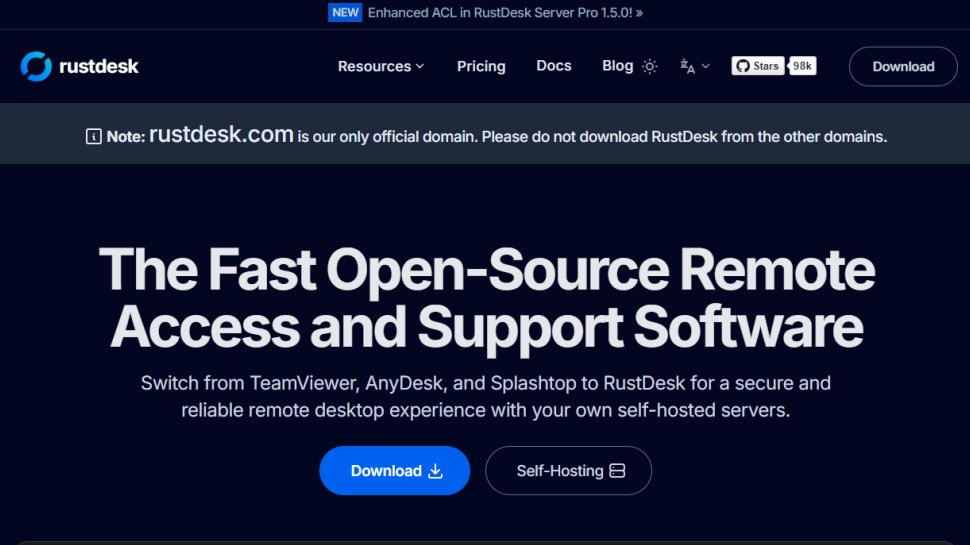
RustDesk
Overview:
RustDesk is known for its open-source nature, promoting community-driven improvements.
Pros:
- Extremely Easy to Access: Quick to install and highly intuitive.
- End-to-End Encryption: Prioritizes user privacy and security.
- Cross-Platform Compatibility: Works across multiple operating systems including Windows, Linux, and macOS.
Cons:
- Limited Traditional Support: As it is community-driven, users may not always receive formal support.
- Fewer Advanced Features: May lack some functionalities found in commercial products.
Ideal Use Case
RustDesk suits tech-savvy users or developers looking for customizable remote desktop solutions and who appreciate the benefits of open-source software.
Best Free Remote Desktop Software for Professionals
Distant Desktop
Overview:
Focused on professional applications, Distant Desktop offers essential features with high security.
Pros:
- Ease of Use: Simple setup without requiring complicated installations.
- Secure Connections: Uses AES encryption to protect users’ data.
- Minimalist Design: Intuitive interface that is easy to navigate.
Cons:
- OS Limitations: Only operates on Windows and Android platforms.
- Feature Constraints: The free version has limited features compared to paid plans.
Ideal Use Case
Distant Desktop is ideal for professionals looking for a secure, user-friendly remote desktop that offers both personal and commercial application capabilities.
Understanding Remote Desktop Software
What is Remote Desktop Software?
Remote desktop software allows users to connect to and control a computer from a different location. It captures the screen, keyboard inputs, and mouse movements, transmitting them to another device where they are displayed in real-time.
Remote Desktop vs. Remote Access
Though the terms are often used interchangeably, they are not synonymous. Remote desktop refers specifically to software that grants complete control over a physical machine, while remote access generally indicates the ability to connect to a network resource without full control over a remote machine.
Free vs. Paid Remote Desktop Solutions
While many remote desktop tools offer free versions, those seeking advanced features and support may need to opt for a paid plan. Free solutions are usually suitable for personal use, while business environments often necessitate the additional capabilities that paid versions provide.
Choosing the Right Software
When selecting the best remote desktop software, consider your specific needs, ease of use, security features, and the ability to scale. This ensures your choice aligns with your operational requirements and user experience.
As remote work continues to be a norm, exploring these tools will help ensure you remain connected and productive from anywhere.