
The Evolution of Video Editing: A Look at the Best Free Software Available Today
Moving pictures have always fascinated humanity. From the early cinematic experiments to the blockbuster films of today, the evolution of video has dramatically transformed how we create, edit, and share content. Just a few years ago, shooting and editing video required specialized knowledge and expensive equipment. Fast forward to the 21st century, and anyone with a smartphone can produce stunning high-quality films.
The Simple Path to Video Creation
Today, the process of creating video content has become astonishingly simple. In fact, a decade ago, the idea that a pocket-sized smartphone could be used to shoot an entire short film seemed futuristic. With the availability of robust video editing software, creating whimsical video content has never been easier. However, while filming is the first crucial step, the real magic happens during the editing phase. A well-edited video can take raw footage and present it in an engaging way that captures the audience’s attention.
Below is a curated list of the best free video editing software tools available, suitable for everything from basic YouTube videos to indie feature films.
Best Free Video Editing Software
1. Shotcut (Windows, MacOS, Linux)
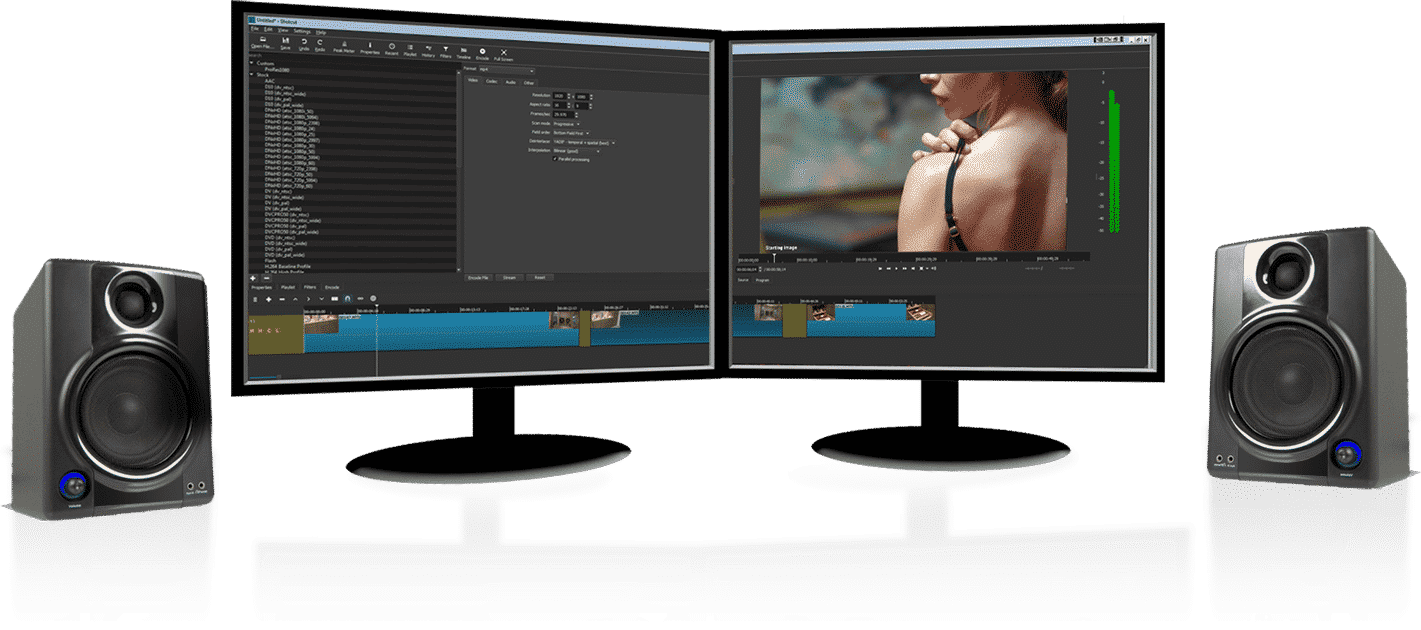
One of the most versatile options available is Shotcut. This open-source software is user-friendly yet packed with features. It supports an extensive range of audio and video formats and allows users to drag-and-drop assets directly from their file manager. With multiple dockable panels and detailed media properties, Shotcut even enables editing of 4K footage.
2. iMovie (MacOS, iOS)
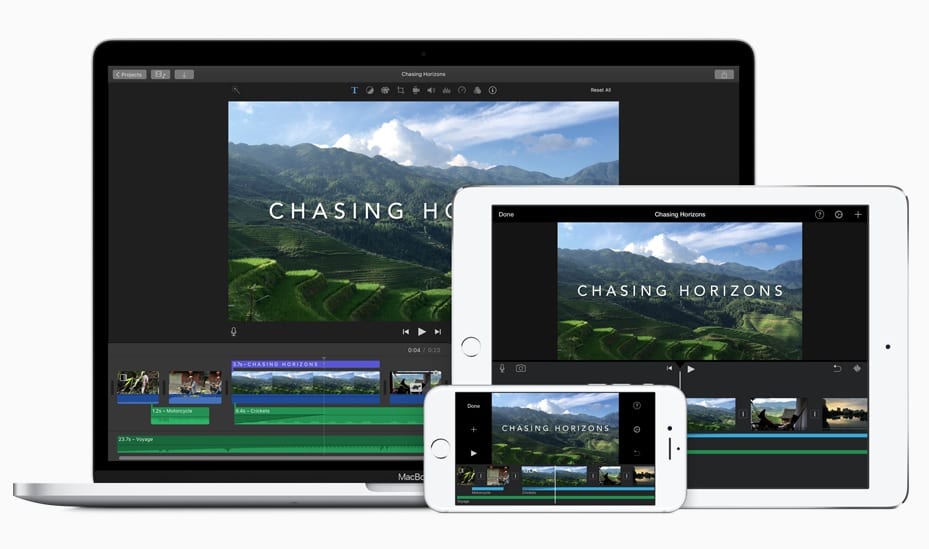
iMovie stands out for Apple users, allowing for seamless operation across iPhones, iPads, and MacOS. The software provides professional features such as color correction and green screen effects. Users can easily create Hollywood-style trailers from their footage, benefiting from high-fidelity filters that ensure a consistent look throughout their projects.
3. Avidemux (Windows, MacOS, Linux)
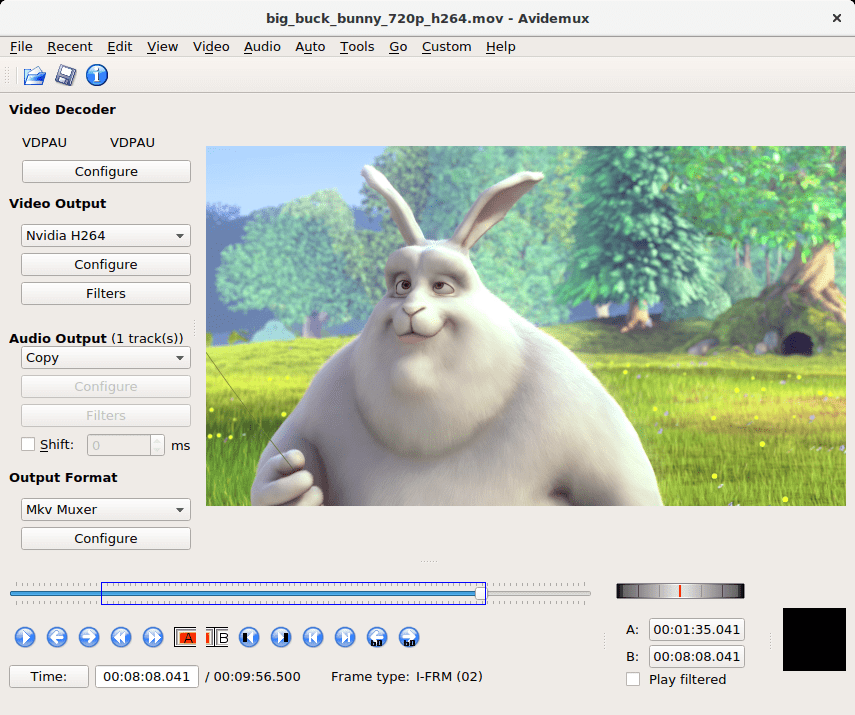
Ideal for beginners, Avidemux offers simple cutting, encoding, and filtering options. With a minimal learning curve, new users can start editing in just a few minutes. It provides a straightforward interface, making it a go-to choice for those just starting in video editing.
4. OpenShot (Windows, MacOS, Linux)
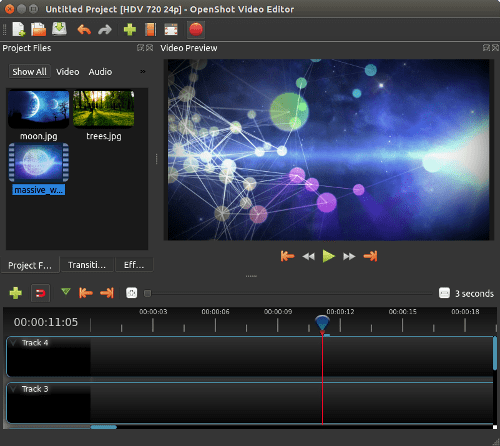
OpenShot brings professional capabilities to users who may not have extensive experience. With unlimited video layers and audio mixing, it also allows for basic animations through keyframes. The user-friendly interface simplifies the process of importing, editing, and exporting video.
5. Adobe Premiere Clip (Android, iOS)
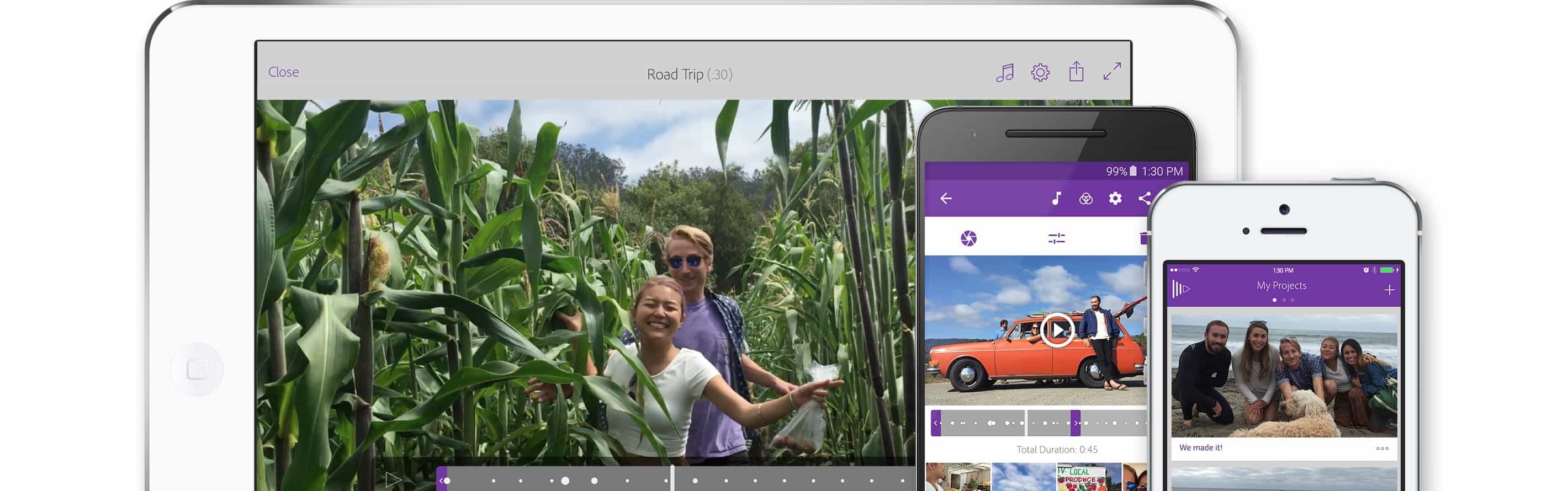
For mobile users, Adobe Premiere Clip is a top choice. The software automatically analyzes imported footage, editing and adding transitions for you. In Freeform mode, users can rearrange clips and customize soundtracks, creating a tailored editing experience right from their smartphones.
6. FilmoraGO (Android, iOS)
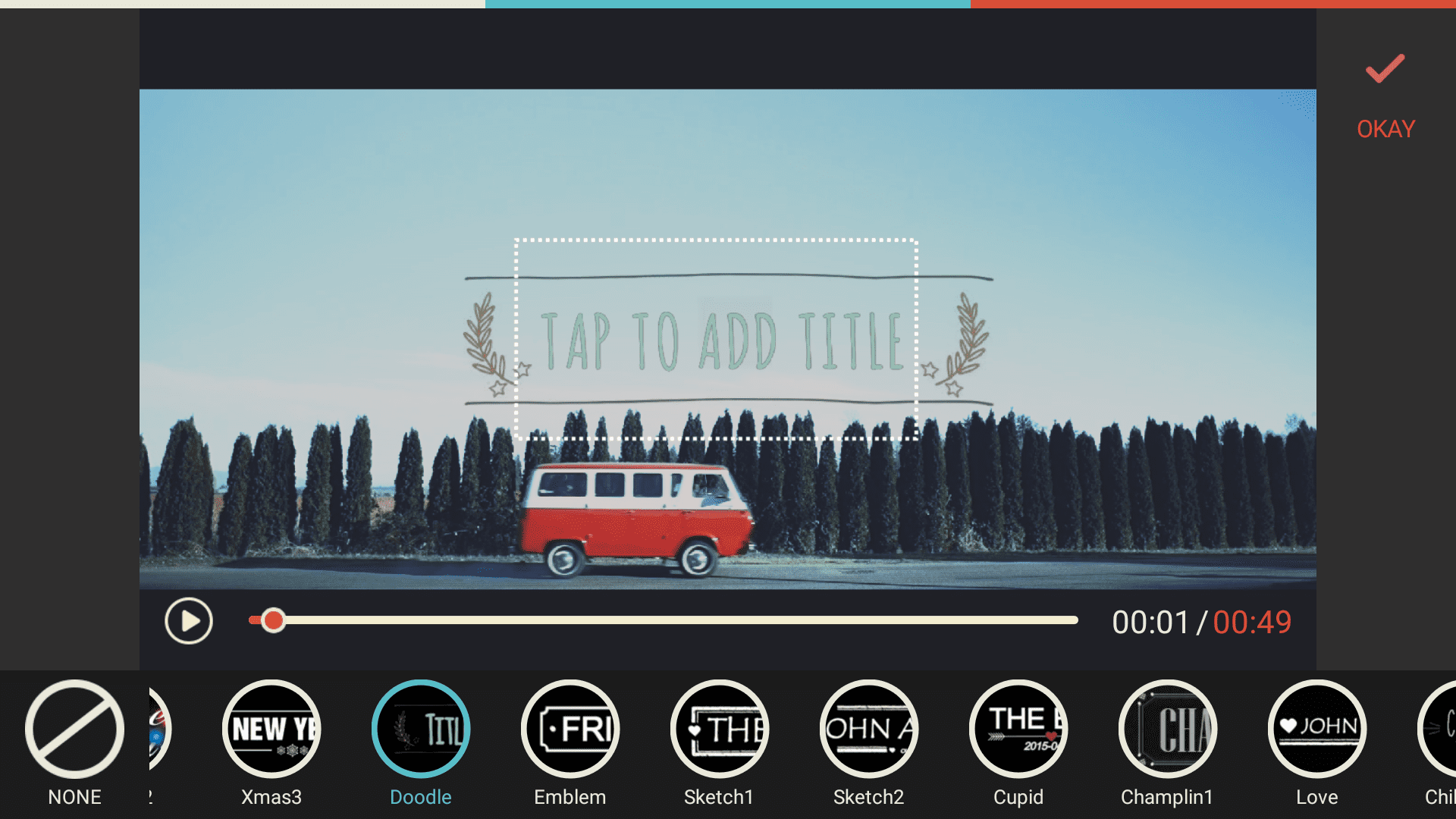
FilmoraGO is perfect for creating stunning videos on the go. It features a wide array of inbuilt themes, overlays, filters, and transitions, allowing users to transform their footage into impressive visual stories. The app also supports color grading to maintain consistency throughout the project.
7. Magisto (Android, iOS)
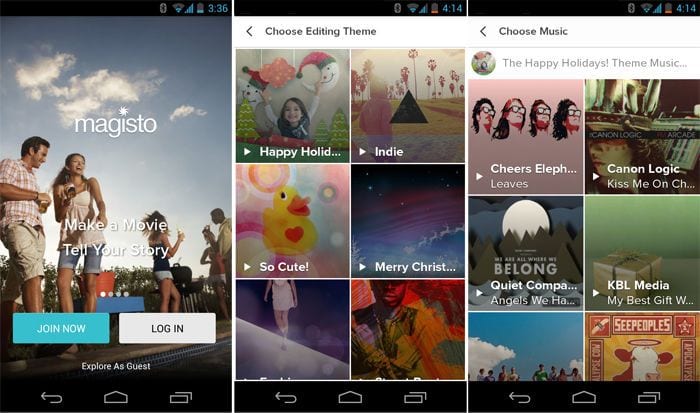
Using AI technology, Magisto transforms images and footage into polished videos. Ideal for quick video creation and marketing, this application is perfect for those who need to produce content without dedicating excessive time to editing.
8. Blender (Windows, MacOS, Linux)
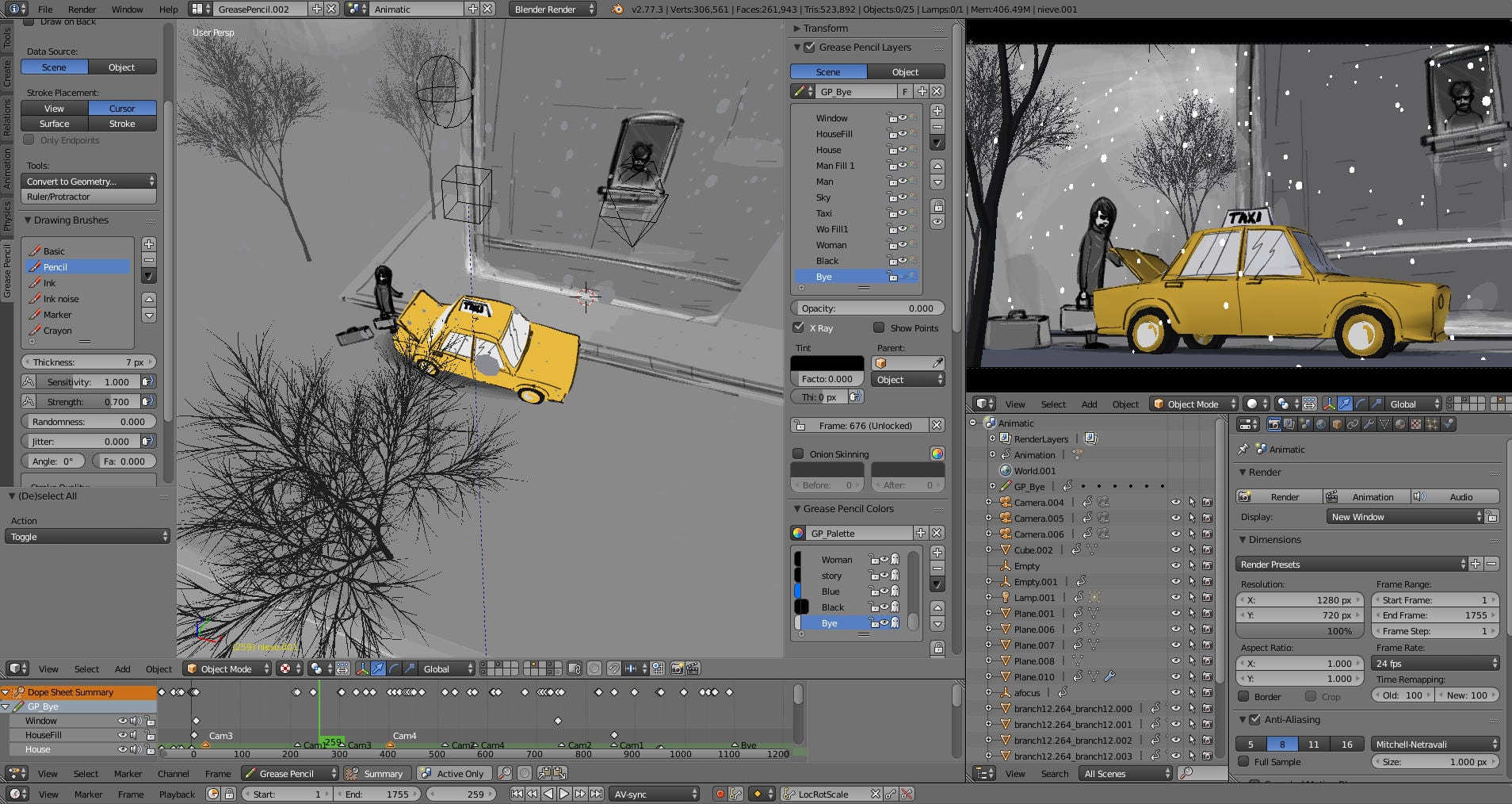
More than just a video editor, Blender offers capabilities for 2D and 3D animation, making it one of the most versatile tools available. Though it has a steep learning curve, its diverse features, such as audio mixing and visualization, allow for in-depth and professional video editing.
9. DaVinci Resolve 15 (Windows, MacOS, Linux)
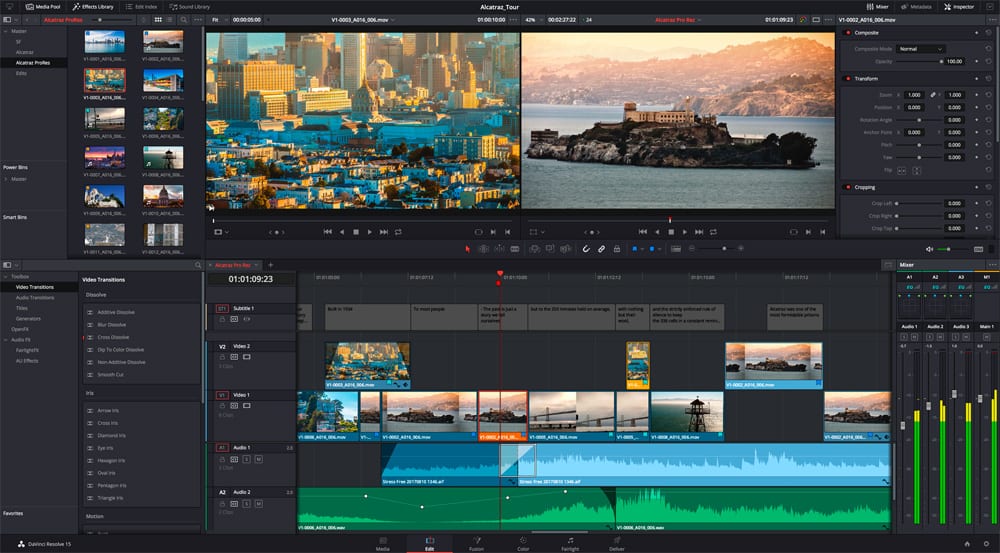
Renowned for its advanced color grading tools, DaVinci Resolve 15 is widely used in professional settings, including Hollywood films. The free version includes nearly all the features of the paid edition, making it a fantastic option for serious filmmakers.
10. HitFilm Express (Windows, MacOS)
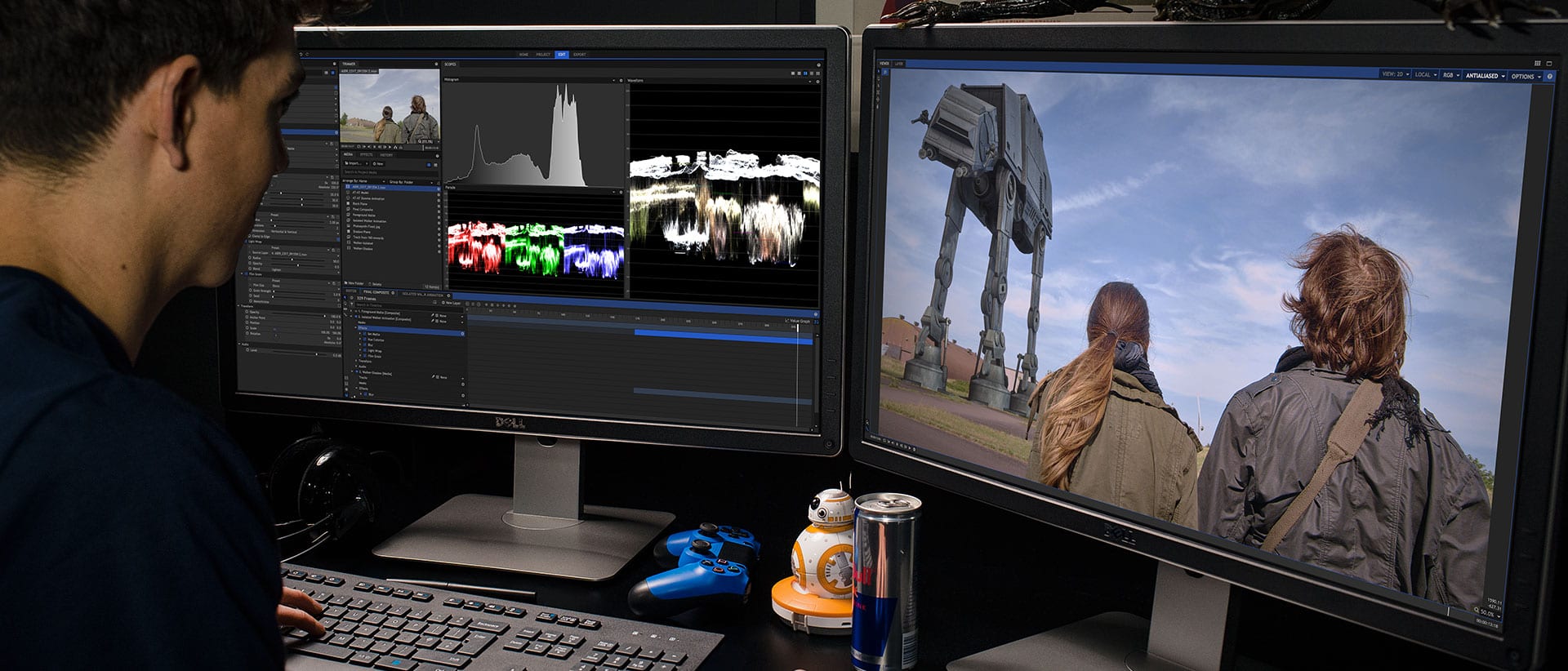
HitFilm Express combines video editing, visual effects, and audio editing into a single program. While it is free, users have the option to purchase add-ons to expand functionality. Its composite shot enhancements and customizable workspace make it suitable for a variety of creative projects.
These top 10 video editing software tools highlight the evolution of video editing, making powerful tools accessible to anyone with a creative vision. Whether you’re a beginner or an aspiring filmmaker, these programs can enhance your ability to tell compelling stories through video.