
The Best Budgeting Software of 2026: A Comprehensive Guide
Managing personal finances can sometimes feel like a daunting task, but with the right tools, it can be simplified significantly. Budgeting software plays a crucial role in helping individuals keep track of their finances, mitigate debt, and build wealth. In this guide, we’ll delve into the best budgeting software available in 2026, providing detailed insights into their features and benefits.
Why Budgeting Software Matters
Understanding where your money goes is key to effective financial management. Tools designed specifically for budgeting can help you visualize your spending habits, which is fundamental for making informed financial decisions. From tracking daily expenses to planning for future investments, budgeting software empowers you with the necessary tools to achieve financial stability.
The Importance of Good Habits
A well-structured budgeting software not only helps you monitor your spending but also encourages healthy financial habits. For instance, many programs feature educational resources—like tutorials and articles—aimed at reducing debt and increasing savings. However, it’s essential to acknowledge that while budgeting software is invaluable for personal finance, it doesn’t replace tax software or accounting programs for small businesses.
Top Budgeting Software of 2026
1. You Need A Budget (YNAB)
Best for Beginner Budgeting
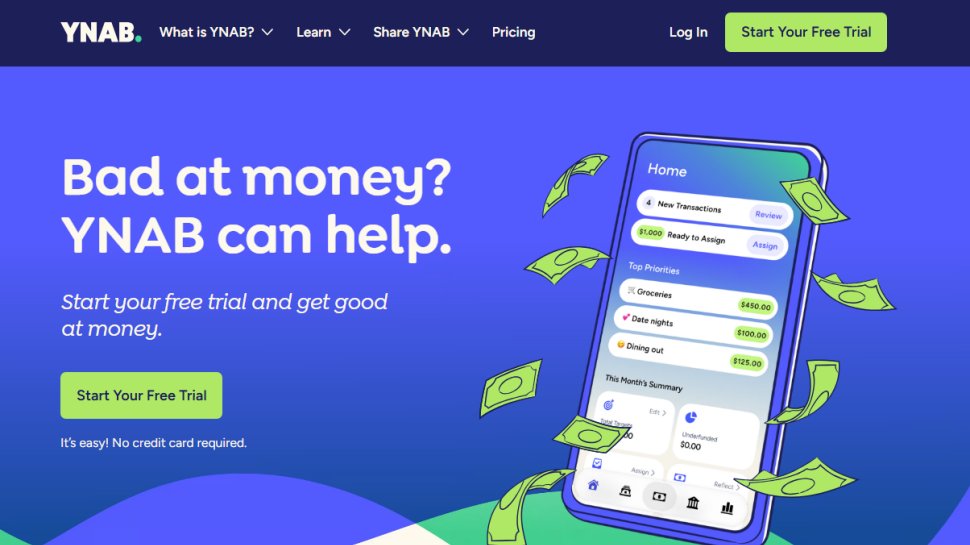
YNAB offers a sleek interface that makes budgeting not just manageable, but enjoyable. It encourages users to assign every dollar a job, which helps in visualizing where funds are allocated. Each account can be linked directly, simplifying data entry.
Pros:
- Intuitive and modern interface
- Encourages habit formation with weekly videos and newsletters
Cons:
- Subscription-based pricing may be higher than other options
- Steeper learning curve for new users
2. Quicken
Best for PC Users
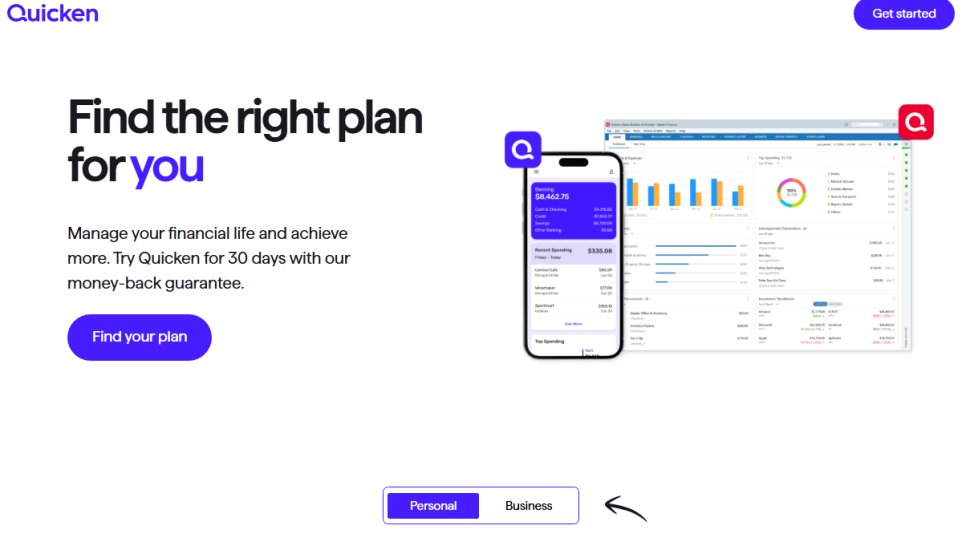
Quicken is a long-standing program that offers comprehensive budgeting and financial management solutions for PCs. It supports importing transactions from most banks and financial institutions, making it easy to track expenses.
Pros:
- Advanced features like custom invoices and bill payments
- Exports data directly to Excel
Cons:
- Higher purchase price compared to other software
- Some users find it complex to navigate
3. Moneydance
Best for Ease of Use
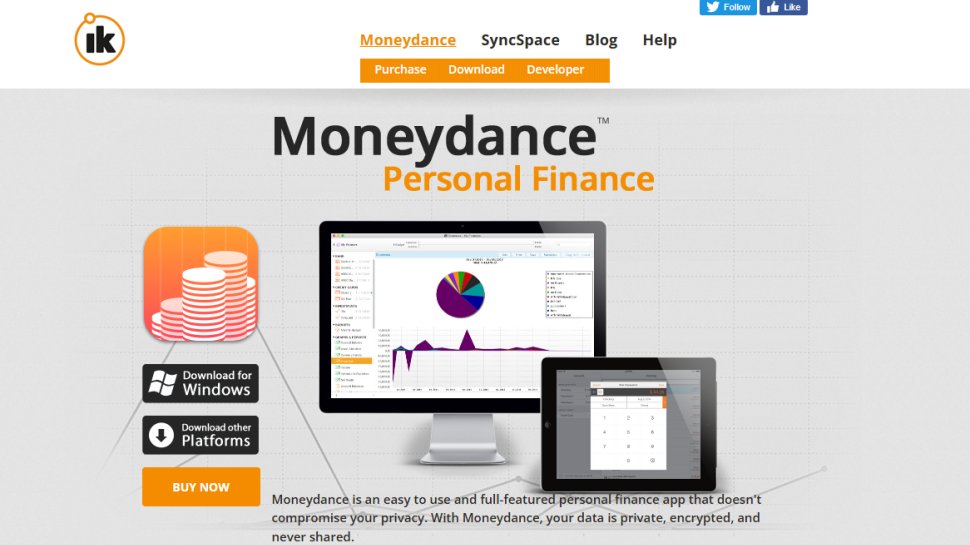
Moneydance stands out for its user-friendly approach and robust security features. It works seamlessly across multiple platforms, including Mac, Windows, and Linux.
Pros:
- Quick and efficient operation
- Secure multi-factor authentication
Cons:
- One-time purchase cost
- Interface may seem outdated to some users
4. PocketGuard
Best for Simple Budgeting
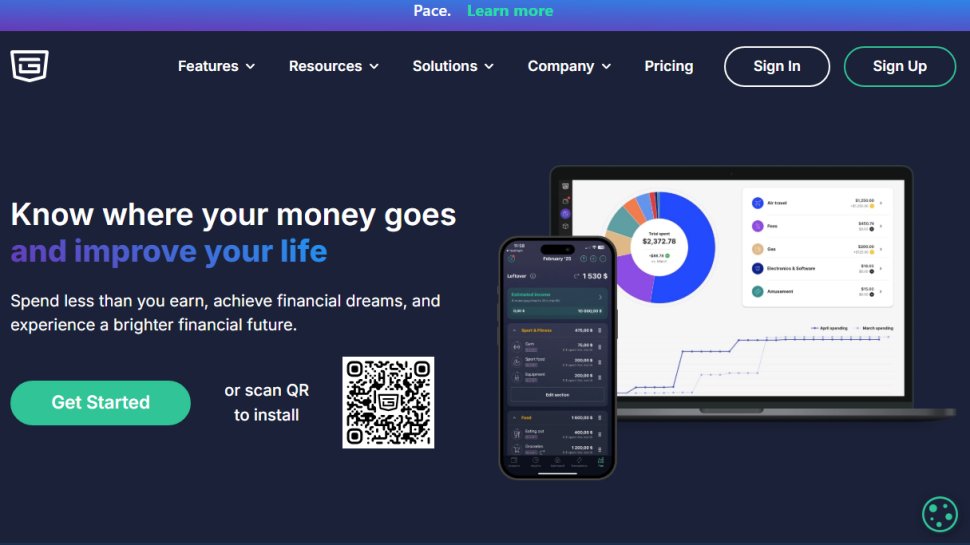
PocketGuard aims to simplify budgeting for individuals who may not have extensive knowledge of finance. The app consolidates all expenses and income into a user-friendly interface.
Pros:
- Extremely easy to use
- Offers a free basic version
Cons:
- Limited features for advanced users
- Support can be inconsistent
5. CountAbout
Best for Mobile Users
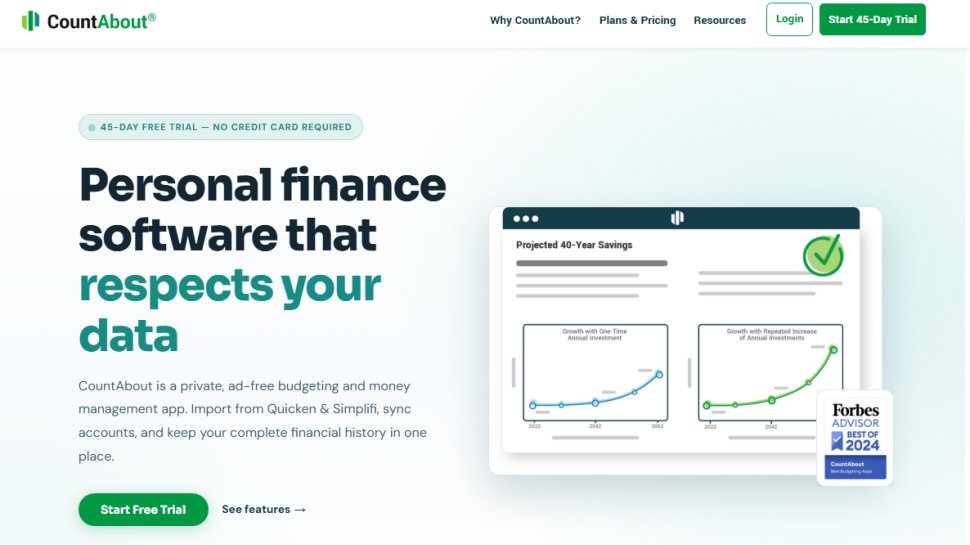
CountAbout is a versatile budgeting tool that works well on mobile platforms and can import data from popular software like Quicken and Mint, which is a unique feature.
Pros:
- Supports multi-factor authentication
- Customizable categories for personal needs
Cons:
- Some advanced features require a premium subscription
- Manual data entry can be tedious without a premium account
6. Mint
Best for Expense Tracking
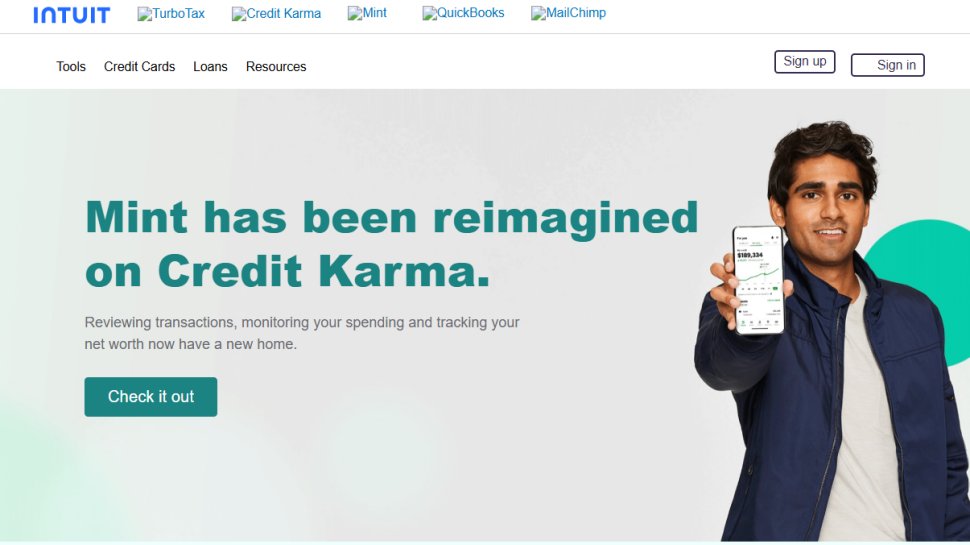
Mint, developed by Intuit, is a free budgeting solution ideal for users who want a mobile-friendly app. It tracks expenses while providing insights into spending habits.
Pros:
- Free to use with robust features
- Offers security through multi-factor authentication and data encryption
Cons:
- Not as intuitive for first-time users
- Lacks bill payment features
How to Choose the Right Budgeting Software
Selecting budgeting software requires a clear understanding of your financial needs. Here are key considerations:
-
Simplicity vs. Features: Assess whether you need a basic tool for tracking expenses or a comprehensive solution with advanced budgeting capabilities.
-
Trial Options: Many applications offer free trials, which is a great way to test their features and usability.
-
User Feedback: Reviewing others’ experiences can provide insight into how effective a program is for everyday use.
-
Future-Proofing: Opt for software that regularly updates to stay compliant with current financial regulations and trends.
Conclusion
In 2026, a variety of budgeting software options are available, tailored to a range of financial needs—from novice users to seasoned financial planners. Understanding each tool’s strengths and weaknesses can guide you in making an informed choice that aligns with your personal finance goals.
Feel free to explore these budgeting solutions to find one that best matches your financial habits and aspirations!